SSL Certificate
Encrypt your site — secure and trusted with HTTPS
An SSL Certificate encrypts data between the browser and the server, showing the padlock icon and HTTPS to build trust with your customers.
HTTPS instantly
Padlock and HTTPS once installed
Secure encryption
256-bit encryption, 2048-bit standard
Affordable
Stable, secure, great value
Works everywhere
Compatible with all platforms
Trusted CA
Issued by a globally recognized CA
Customer Support
24-hour team
Why your site needs SSL
Issued by a globally recognized Certificate Authority (CA), 2048-bit standard with 256-bit encryption.
PRICING
Our Pricing
Positive SSL
- For 1 domain (www.site.com & site.com)
- Domain Validation (DV)
- HTTPS enabled
- 2048-bit Industry Standard SSL
- 256-bit Encryption
Positive SSL Wildcard
- For 1 Domain + unlimited Subdomains (site.com, *.site.com)
- Domain Validation (DV)
- HTTPS enabled
- 2048-bit Industry Standard SSL
- 256-bit Encryption
Technical Information
SSL Standard
- Validation
- Domain Validation (DV)
- Encryption
- 256-bit
- Standard
- 2048-bit Industry Standard
- HTTPS
- ✓
- Trusted CA
- ✓
Why choose SSL from Plusweb
HTTPS instantly
Easy to install, immediate results
Secure encryption
Protect your data
Affordable
Great value for any budget
Works everywhere
All platforms supported
Trusted CA
Globally recognized
Customer Support
24-hour team
Frequently Asked Questions
What happens if my site has no SSL?
Two things. Every modern browser marks the site "Not secure", which makes visitors leave immediately, and Google has used HTTPS as a ranking signal since 2014, so a plain HTTP site is at a disadvantage in both trust and search position.
Positive SSL or Wildcard — which should I buy?
Positive SSL (฿600/year) covers one domain, meaning both site.com and www.site.com. That is right for a normal site on a single domain. Wildcard (฿3,600/year) additionally covers unlimited subdomains such as blog.site.com, shop.site.com and mail.site.com. Wildcard pays for itself from roughly 3-4 subdomains onward, since buying separate certificates for each would cost more.
What is Domain Validation (DV), and is it secure enough?
DV confirms that you control the domain, and it is the level most sites on the internet use. The encryption between visitor and site is exactly as strong as on higher-tier certificates — 256-bit encryption on the 2048-bit standard in both cases. What differs is the level of organisational identity checking, which only matters for banks and large organisations that want their company name shown on the certificate.
Is it hard to install? How technical do I need to be?
On hosting with DirectAdmin or cPanel there is a menu for pasting the certificate in — a few clicks. On a VPS you manage yourself, you edit the Nginx or Apache configuration by hand. Support is available 24 hours a day if you get stuck.
What happens when the certificate expires?
The browser shows a full-page warning that the connection is not secure, and visitors have to click through it to reach your site — almost all of them go back instead. Set a renewal reminder at least two weeks before the expiry date.
Free SSL already exists. Why pay?
On encryption strength, a free certificate such as Let's Encrypt is equivalent. The differences are certificate lifetime (free ones typically last 90 days and rely on auto-renewal that breaks if it is misconfigured), Wildcard coverage being harder to set up, and having someone to call when it goes wrong. For a personal site with working auto-renewal, free is fine. For a business site that cannot afford downtime, ฿600 a year to remove that risk is cheap.
GUIDES
Guides & related articles
Read before you decide — get the best value
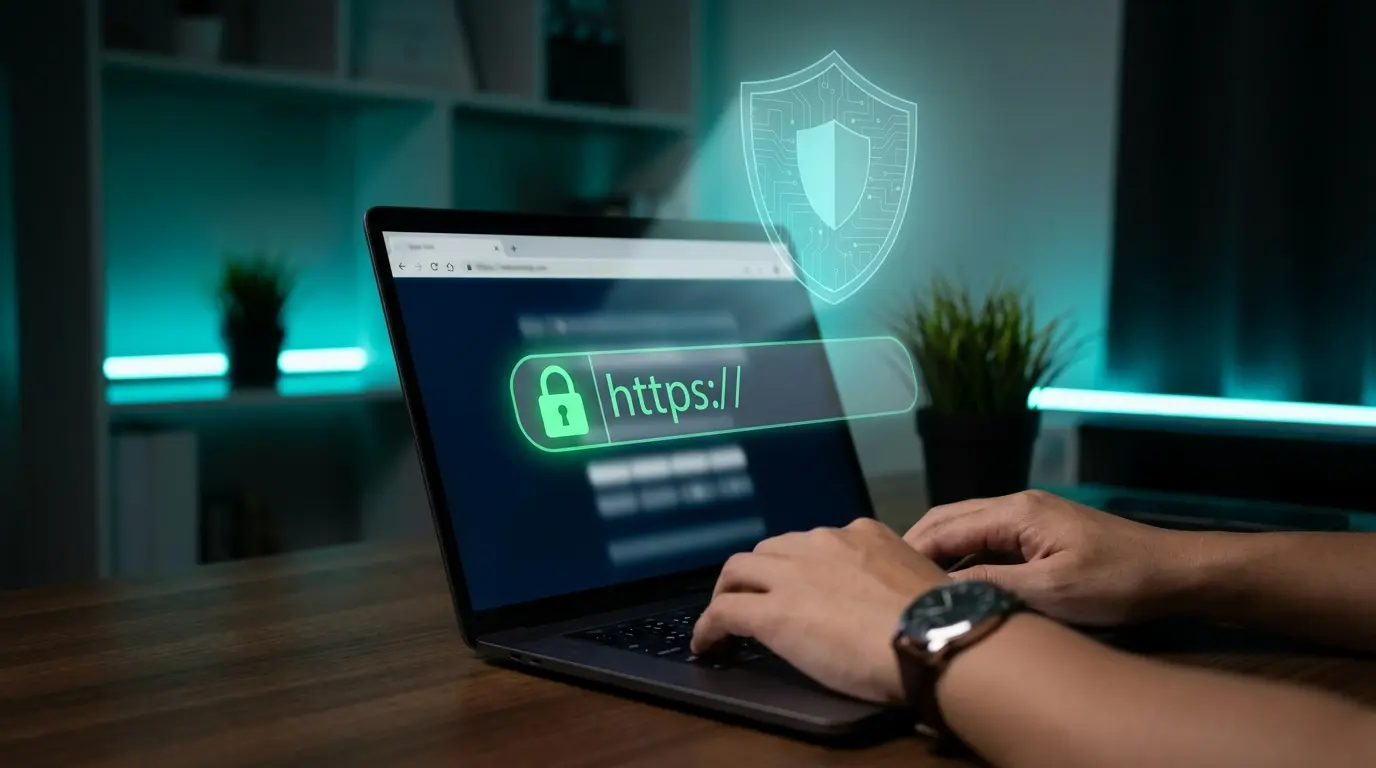
What Is SSL? Why Every Site Needs It Today + How to Install It
Everything a site owner needs to know about SSL — what it is, how HTTP differs from HTTPS, why your site needs SSL for security, trust, and SEO, plus the types of SSL and how to install it free or paid.
Read more
ERR_SSL_PROTOCOL_ERROR — Server Side or Your Side?
This error means the encrypted handshake failed before any page data moved. It can come from the server or from your own machine, and the two need completely different fixes. Here is a test that tells you which in under a minute.
Read more
"Your Connection Is Not Private" — When It Is Safe to Continue
Everyone has seen this full-page warning and most people click through without reading it. The small code underneath is the part that matters: it tells you whether this is a harmless expired certificate or someone actually intercepting your traffic.
Read more