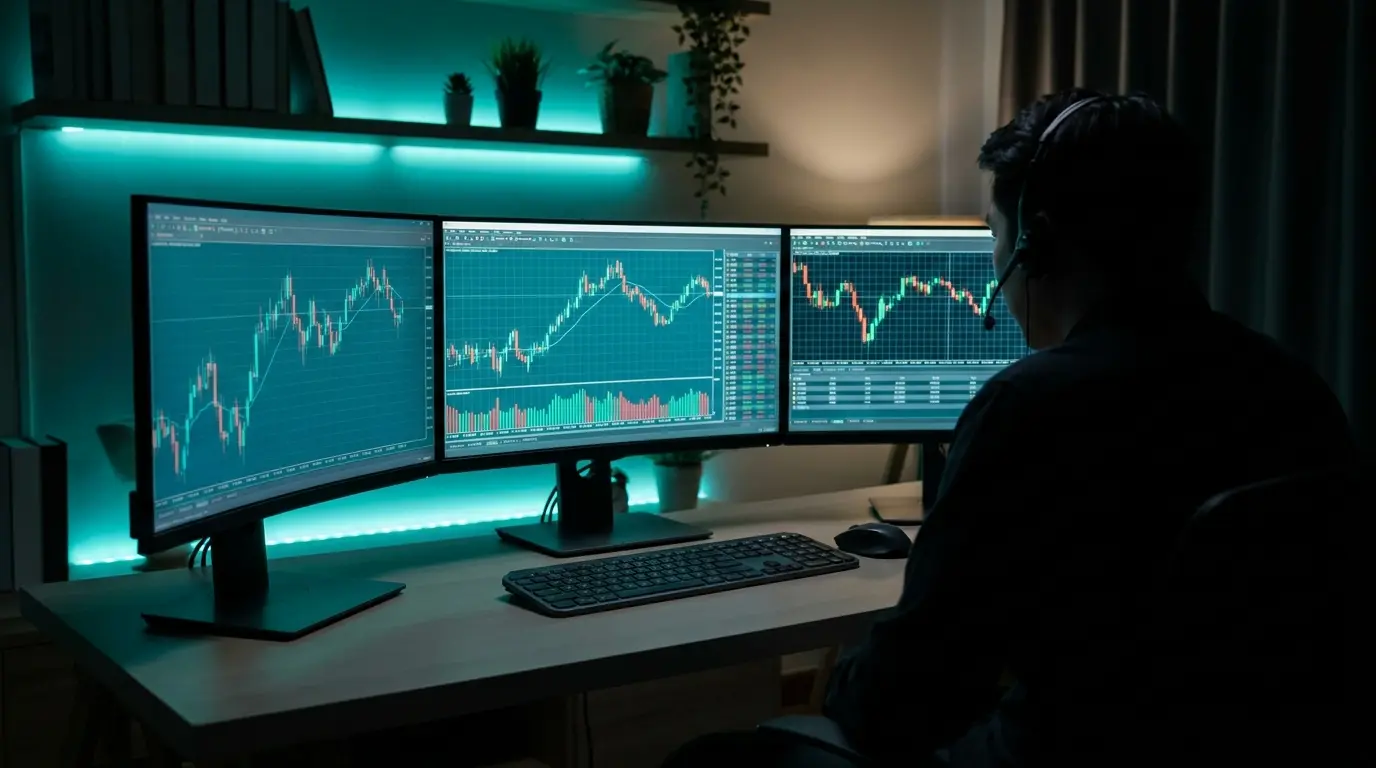
VPS Forex
High quality — run Forex EAs 24 hours a day
VPS Forex is built for traders — run Expert Advisors (EA) on MT4/MT5 around the clock without keeping your home computer on.
Root-Access VPS
Full server control
Fast & Secure
High speed, low latency — ideal for trading
Unlimited Bandwidth
Unlimited data transfer
Free Backup
Automatic backups every 3 days
Certified Datacenter
The Cloud @ CSLoxinfo · ISO
SSD Storage
High-speed SSD storage
What is VPS Forex?
With high-performance Dell Enterprise servers, low latency, and a 99.9% uptime guarantee, your trades keep running without interruption.
PRICING
Choose the VPS Forex plan that fits you
All plans are Windows Server · 1 private Public IP · monthly price (annual billing is cheaper)
VPS-Forex-01
- 1 vCore CPU
- 3 GB RAM
- 30 GB SSD
- Recommended MT4/MT5: 1
- 1 private Public IP
- Windows Server
VPS-Forex-02
- 2 vCores CPU
- 4 GB RAM
- 60 GB SSD
- Recommended MT4/MT5: 1-3
- 1 private Public IP
- Windows Server
VPS-Forex-03
- 4 vCores CPU
- 8 GB RAM
- 100 GB SSD
- Recommended MT4/MT5: 1-6
- 1 private Public IP
- Windows Server
VPS-Forex-04
- 8 vCores CPU
- 16 GB RAM
- 220 GB SSD
- Recommended MT4/MT5: 1-10
- 1 private Public IP
- Windows Server
Technical Information
General
- Location
- Bangkok, Thailand @ CSLoxinfo
- Uptime
- 99.9%
- Virtualization
- KVM
- SSD Storage
- ✓
- Full Root-Access
- ✓
- Data Transfer
- Unlimited
Network
- Domestic Bandwidth
- 1 Gbps (shared)
- International Bandwidth
- 200 Mbps (shared) · Fair Use
- Public IP
- IPv4
- Additional IP
- 100 THB per IP
Security & OS
- Datacenter Cert
- ISO 27001, 22301, 20000-1
- Backup
- Automated every 3 days
- Basic DDoS Protection
- ✓
- Supported OS
- Windows Server 2012 R2 – 2022
Why traders choose VPS Forex from Plusweb
Dell Enterprise
High-performance servers
Secure Datacenter
The Cloud @ CSLoxinfo, ISO-certified
Automated VPS Backup
Automatic backups
Customer Support
24-hour support team
Stable VPS Network
Stable network, low latency
Easy to Manage
Manage easily via the web
Frequently Asked Questions
How is a Forex VPS different from a regular VPS?
The hardware is the same. A Forex VPS is preconfigured for running MT4/MT5: it ships with Windows Server (MT4 and MT5 are Windows programs), and the plans are sized around how many terminals you run rather than around web traffic. General-purpose VPS plans are usually Linux and are tuned for websites or databases instead.
Which plan do I need? How much RAM is enough?
Size it by how many MT4/MT5 terminals you keep open at once. VPS-Forex-01 (3 GB RAM) suits 1 terminal, VPS-Forex-02 (4 GB) suits 1-3, VPS-Forex-03 (8 GB) suits 1-6, and VPS-Forex-04 (16 GB) suits 1-10. Start small if you are unsure — you can upgrade later without losing data. Expert Advisors vary a lot: one that recalculates many indicators, or runs across several currency pairs, uses noticeably more RAM than a simple one.
Where are the servers, and how does that affect latency?
The servers are in Bangkok, Thailand, in the ISO 27001 / 22301 / 20000-1 certified The Cloud @ CSLoxinfo datacenter. That is the right choice if your broker's trade server sits in Asia, since latency is measured between the VPS and the broker, not between the VPS and you. If your broker executes out of London or New York, a Thailand VPS will not beat a VPS in those cities on raw execution latency — it will still give you 24/7 uptime, which is the main reason most traders rent one.
I am not in Thailand. Can I still use it?
Yes. You reach the VPS over Remote Desktop from anywhere, so your own location only affects how responsive the desktop feels, not how your EA trades. The question that actually matters is where your broker's server is — see the latency answer above. Prices are billed in Thai Baht.
Do I still have to leave my home computer switched on?
No, and that is the main reason to rent a VPS. Once MT4/MT5 is installed on the VPS, it keeps running on the server 24 hours a day. You can shut down your computer, close your laptop, or put your phone away, and the EA carries on. Log back in over Remote Desktop whenever you want to check on it.
How do I connect, and which Windows version do I get?
You connect over Remote Desktop (RDP), which is built into every Windows machine; free Remote Desktop apps exist for macOS, iOS and Android. Windows Server 2012 R2 through 2022 are supported, and every plan comes with full root access, so you can install any additional software you need.
Are backups included if something goes wrong?
Yes — automated backups run every 3 days on every plan at no extra cost, alongside a 99.9% uptime guarantee and basic DDoS protection. Even so, keep your own copy of your EA settings and templates on your own machine. A 3-day backup cycle means that in the worst case you could lose up to 3 days of configuration changes.
How much cheaper is annual billing?
About 20% on every plan. VPS-Forex-02 is ฿350/month billed monthly and ฿280/month billed annually; VPS-Forex-01 drops from ฿250 to ฿200/month. If you are not sure you will keep it long term, start monthly and switch to annual later.
GUIDES
Guides & related articles
Read before you decide — get the best value

What Is a Forex VPS? Why Every EA Trader Should Have One
Everything a trader needs to know about a Forex VPS — what it is, how it differs from a regular VPS, whether it can really run an EA on MT4/MT5 24/7, plus how to choose one that is worth it and avoid getting burned.
Read more
Best Forex VPS 2026: How to Choose Right and Not Miss Out
Where should you get a Forex VPS? The 2026 buyer's guide — 8 decision criteria, a checklist table, traps to avoid (free/oversold/no SLA), and the Forex VPS with the best value for money.
Read more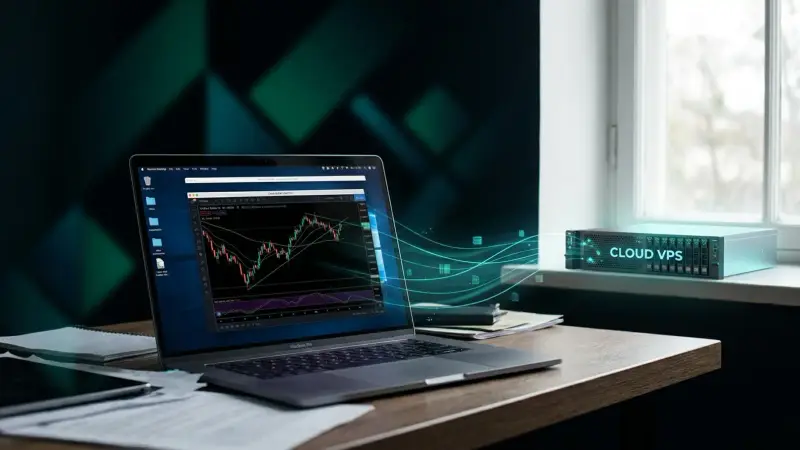
How to Run an EA on a Forex VPS (MT4/MT5): Beginner Guide 2026
A step-by-step guide for beginners who want to run an EA on a VPS — what to prepare, how to remote into a Windows VPS via RDP, install MT4/MT5, add the EA file, enable AutoTrading, and confirm it runs 24/7, plus fixes for common problems.
Read more
MT4 vs MT5: How They Differ and Which to Choose in 2026
The full difference between MT4 and MT5 in one article — where MetaTrader 4 and 5 differ, a clear comparison table, which to choose for each type of trader, and why both should run on a Forex VPS 24/7.
Read more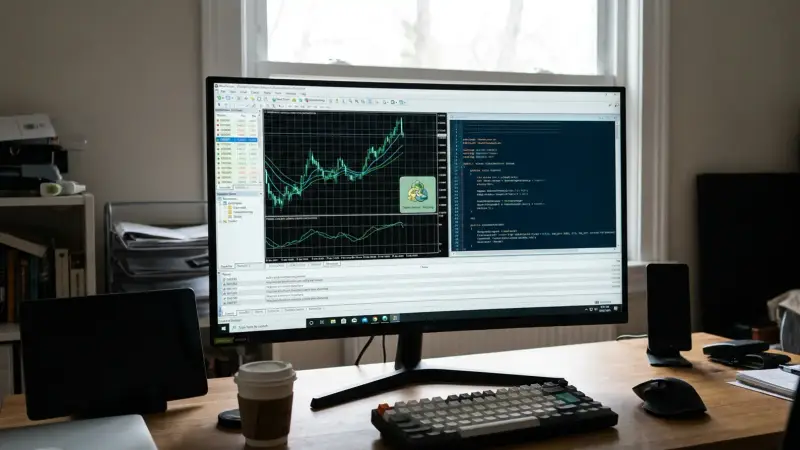
What Is a Forex EA? How It Works, Is It Safe, and How to Run It Without Drops
A complete guide to the Forex EA (Expert Advisor) — what it is, how it works on MT4/MT5, how many types there are, whether it's safe, plus the red flags of dream-selling EAs and why an EA needs to run 24/7 on a VPS.
Read more
What Is Forex? How to Start Trading — Beginner's Guide 2026
A complete beginner's roundup — what forex is, what forex trading involves, how the foreign exchange market works, plus the basic terms (currency pairs, pip, lot, leverage, spread), how to start safely, and the risks you must know before going live.
Read more