
What Do You Need to Build a Website? The 3 Core Components for Beginners
You want your own website — a store, a company site, a portfolio, or a personal blog — but you don't know what you need to get started? The good news is it's not as complex as it seems, and it takes just 3 core components.
This article gives beginners the full picture in one place: the website components you need, rough starting costs, a step-by-step build guide, how to choose hosting, and the SSL you must not forget. By the end, you can start building your own site in 2026.
What Do You Need to Build a Website? The 3 Core Components
Before you start, keep this simple picture in mind: a website is made of 3 parts working together, like building a house. Miss any one and your site can't go online.
Those three components are: the domain (site name), hosting (where the site is stored), and the website or CMS (the look and content). With all three connected, your site is ready for the world to visit.
- Domain — the site address people type in, such as yourshop.com.
- Web hosting — the server space that stores your files and keeps them online 24/7.
- Website / CMS — the look and content of the site, built with WordPress, a website builder, or code.
1. Domain — Your Site's Name and Address
A domain is the site name visitors type into their browser to reach you, such as yourshop.com. It's like your storefront and address that makes you memorable and easy to return to. Keep it short, easy to remember, and on-brand.
There are many domain extensions (TLDs) to choose from — .com is the most popular internationally, along with .net, .co for local businesses, and more than 20 niche TLDs. Choose one that fits your audience and site type.
2. Web Hosting — Keeping Your Site Online
Hosting is the server space that stores all your website files — pages, images, databases, and email — and keeps your site reachable 24 hours a day. Without hosting, your site has no real place on the internet and no one can reach it.
For beginners, good-quality shared hosting on fast tech like LiteSpeed and NVMe storage is affordable and plenty. You don't need to invest in an expensive server from the start; upgrade as your site grows.
3. Website / CMS — The Look and Content
The final part is the actual website — the design, look, and content. Most beginners use a content management system (CMS) like WordPress because it's easy to install, has countless themes and plugins, and can be customized without writing code.
There are several ways to build the site depending on budget and skill, from a ready-made CMS and drag-and-drop builders to hiring a developer to write custom code. Choose based on how complex you need your site to be.
- WordPress — the most popular CMS; highly flexible, good for blogs, company sites, and stores (WooCommerce).
- Website builder — easy drag-and-drop, good for those who want something fast without deep customization.
- Custom code / hire a developer — the most flexible, good for sites with specialized features.
Rough Starting Costs to Build a Website
The good news for beginners is that starting a website isn't as expensive as many think. The main costs are the domain and hosting; the site itself, if you use WordPress with a free theme, adds almost nothing. The table below shows rough starting costs.
| Component | Rough Starting Cost | Notes |
|---|---|---|
| Domain | A few hundred baht per year | Varies by extension, e.g. .com |
| Hosting | From a few hundred baht per year | Shared hosting is enough for small sites |
| Website / CMS | Free to start | WordPress + free theme; add themes/plugins later |
| SSL | Free (if the host includes it) | Choose a host that includes free SSL |
Step-by-Step Guide to Building a Website
Once you know all the components, get hands-on in this order. Beginners following step by step can have a site online within a day.
- 1Register a domain — choose a short, memorable name and a fitting extension, e.g. .com.
- 2Get hosting — choose a fast, stable package and connect your domain to the host.
- 3Install WordPress — install it through the host's control panel in a few clicks.
- 4Design and add content — pick a theme, lay out pages, add text, images, and contact info.
- 5Enable SSL for https — for security and better Google rankings.
- 6Review and publish — check every page opens, looks good on mobile, then publish.
How to Choose Hosting and Why You Need SSL
Hosting is the heart that decides how fast, stable, and secure your site is. Before you decide, check the key components. Don't choose on lowest price alone.
The other thing you must not forget is SSL, which puts your site on https with a padlock, showing it's secure and encrypted. Modern browsers warn "Not Secure" if a site lacks SSL, and Google uses it as a ranking factor. Choose a host that includes free SSL.
- Speed — a LiteSpeed web server and NVMe storage help your site load fast.
- Security — protection like Imunify360 reduces the risk from malware.
- Free SSL — should be included so your site is on https from day one.
- Easy control panel — like DirectAdmin, with convenient WordPress install.
- A responsive support team and a server close to your audience for fast loading.
Build Your Website All in One Place with Plusweb
Register a .com and 20+ extensions + LiteSpeed + NVMe web hosting · DirectAdmin · Imunify360 · Free SSL · WordPress install · From ฿200/yr.
Frequently Asked Questions
What do you need to build a website?
Mainly 3 components: a domain (site name), hosting (which stores your files and keeps them online), and the website or CMS (the look and content, e.g. WordPress). With all three connected and SSL enabled for https, your site is ready to go online.
What budget do you need to start a website?
For a basic site, the main costs are a domain at a few hundred baht a year and hosting from a few hundred baht a year. The site itself, using WordPress with a free theme, adds almost nothing. In total, you can launch for a few hundred baht a year.
Should a beginner use WordPress or a website builder?
If you want flexibility, lots of customization, and room to grow, WordPress is a good choice thanks to its many themes, plugins, and large community. But if you want something simple and fast without deep customization, a drag-and-drop website builder is more convenient.
Do I need SSL?
Very much so. SSL puts your site on https with a padlock, showing it's secure and encrypted. Modern browsers warn a site is not secure without SSL, and Google uses it as a ranking factor. Choose hosting that includes free SSL.
Is it good to register a domain and get hosting in the same place?
Yes, for beginners, because it saves time on DNS setup, avoids moving data around, and often makes installing WordPress easy in one place. Plusweb offers both domains (.com and 20+ extensions) and LiteSpeed + NVMe hosting all in one.
GUIDES
Related articles
Keep reading on similar topics
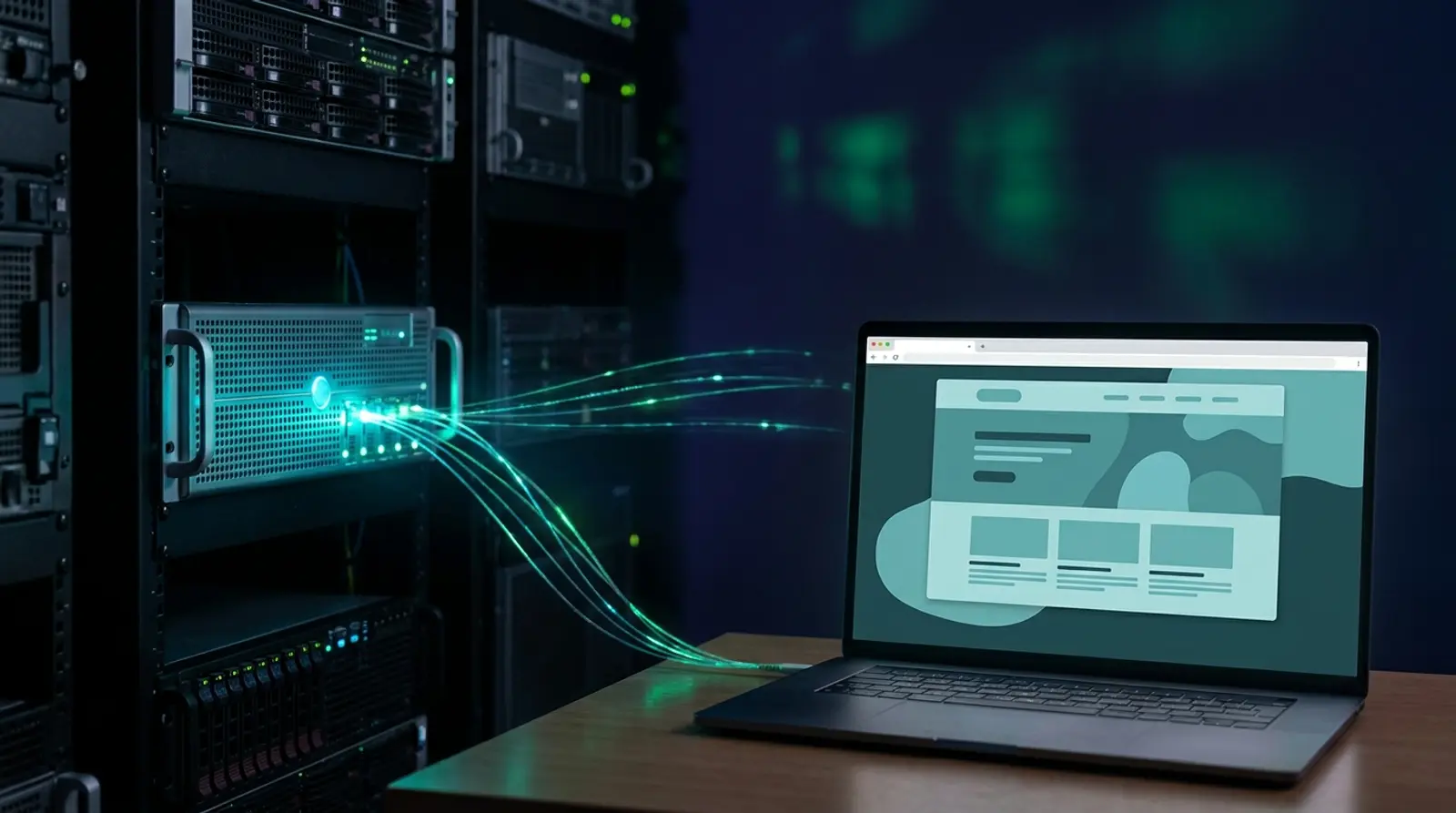
What Is Web Hosting? How Beginners Can Pick a Fast, Affordable Host
Everything you need to know about web hosting in one article — what hosting is, how it works with your domain, the main types, what to look for (SSD/NVMe, LiteSpeed, DirectAdmin, free SSL, uptime), and how to choose the right host as a beginner in 2026.
Read more
Where Should You Register a Domain? The Complete Guide
What should you actually look for when registering a domain? A full rundown of registrar selection criteria — renewal pricing, domain transfers, DNS management, and ownership — plus a step-by-step guide to registering a .com and the pricing traps to watch out for.
Read more
What Is a Domain? A Beginner-Friendly Guide
A complete, plain-English rundown — what a domain name is, the parts of a domain (TLD vs ccTLD vs subdomain), how domains work together with DNS and hosting, and everything you need to know before registering your first domain.
Read more