
If you trade Forex with an EA (Expert Advisor) or an automated system and have ever lost a trade because your computer shut down, your internet dropped, or the power went out — a Forex VPS is the answer nearly every professional trader relies on.
This article covers it all in one place: what a Forex VPS is, how it differs from a regular VPS, why it is essential for running an EA, and how to choose one that gives you the most value in 2026. Finish reading and you can spin up a server that runs your EA 24/7 right away.
What is a Forex VPS?
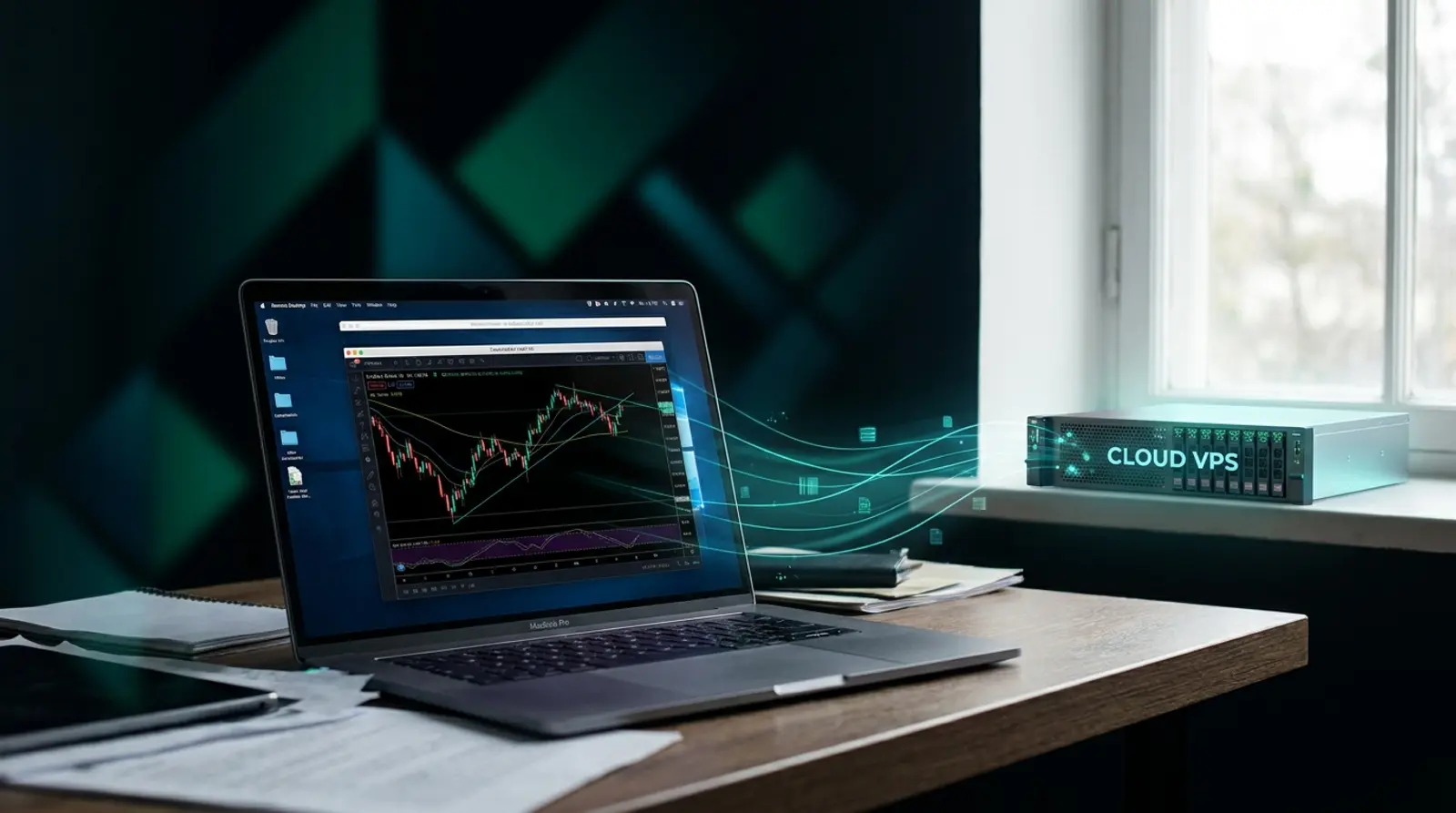
A Forex VPS is a virtual private server that runs 24/7 so you can install trading platforms such as MetaTrader 4 (MT4) and MetaTrader 5 (MT5) and let your EA or automated system trade for you around the clock — without leaving a computer running at home.
Put simply, you move your "trading computer" onto a server in a data center that has backup power, high-speed internet, and stays on 24/7, then remote in to control it from your phone or any computer you like.
How is a Forex VPS different from a regular VPS?
A Forex VPS is really just a VPS tuned specifically for trading. The key differences are "stability" and "latency" when sending orders to your broker.
- Low latency — the closer the server sits to your broker's server, the faster your orders fill, reducing slippage
- Windows Server support — because most MT4/MT5 installations run on Windows
- Always on, high uptime — an EA must run continuously and cannot drop for even a minute
- Enough resources (CPU + RAM) for the number of accounts/EAs you run at once
Why EA traders need a Forex VPS
An EA only works when MT4/MT5 is open and connected to the internet at all times. If you run it on a home PC, a flickering power supply, a brief internet hiccup, or a Windows update that forces a restart will stop the EA, causing you to miss entries and exits — or worse, leave open trades stranded.
- No need to leave a home PC on 24/7 — save on electricity and spare your machine
- No fear of power cuts or dropped internet — data centers have backup power (UPS + generator) and backup connectivity
- Orders fill fast and on time thanks to low latency and a stable connection
- Remote in to view/fix your EA from your phone or anywhere
- Run multiple EAs / accounts / brokers at once on a single machine
What specs does a Forex VPS need? (CPU/RAM)
You don't need to overbuy on specs. Choose based on how many MT4/MT5 windows you run at once — each MT window uses roughly 300–500 MB of RAM.
| Usage | Recommended minimum specs | Best for |
|---|---|---|
| Run 1 MT4/MT5 + light EA | 1 vCPU / 3 GB RAM | Beginners starting with 1 account |
| Run 1–3 accounts + indicators | 2 vCPU / 4 GB RAM | Typical traders (most popular) |
| Run 1–6 accounts / multiple EAs | 4 vCPU / 8 GB RAM | Multi-broker portfolios |
| Run 6–10+ accounts | 8 vCPU / 16 GB RAM | Professionals / EA hosting services |
How to choose a Forex VPS worth the money — which one is good?
The Forex VPS market is fiercely competitive on price, from a few dollars a month all the way down to free. But "cheap" and "worth it" are not the same. Check these 6 points before you decide.
- Is uptime clearly stated? — it should be 99.9% or higher (an EA dropping for even a minute costs opportunity)
- Where is the data center, what standards does it meet (ISO 27001, etc.), and does it have backup power/internet?
- How low is latency to the broker you use — trading with Asian/regional brokers is more stable from a nearby server
- Windows Server support with full access so you can configure it yourself
- Real specs as advertised, no overselling — the CPU/RAM you get matches the marketing
- A support team and a backup system in case of emergencies
How to start running an EA on a Forex VPS (overview)
The real-world steps are easier than you think. After you activate the service you receive an IP + login within minutes.
- 1Order/get a Forex VPS and receive your remote details (IP, user, password)
- 2Remote into Windows Server via Remote Desktop (RDP) from a computer or phone
- 3Install your broker's MT4/MT5 and log in to your trading account
- 4Drop the EA file into the Experts folder and turn on AutoTrading
- 5Let the EA run 24/7 — you can close the RDP window and the machine keeps running
Ready to run your EA 24/7 on a Plusweb Forex VPS
Forex VPS built for MT4/MT5 · Windows Server · low latency · 99.9% uptime · from ฿250/mo, auto-provisioned in minutes
Frequently Asked Questions
Is a Forex VPS different from RDP?
They're closely related — RDP (Remote Desktop) is the method you use to "remote into" a machine, while a Forex VPS is the "server machine" itself that you remote into via RDP. Generally a Forex VPS gives you full control and dedicated resources that are yours alone.
Do I still need to leave a computer running at home?
No. Once your EA is running on the VPS, you can shut down your computer or close RDP. The server keeps working 24/7 in the data center.
Can a cheap Forex VPS actually work?
Yes, if you pick the right provider. What matters isn't just price but uptime, stability, latency, and the real specs you get. A Forex VPS starting at a few dollars a month is plenty for running a single account.
If I trade with an overseas broker, which server location should I use?
If you trade with Asian or regional brokers, a nearby server delivers the lowest, most stable latency. For brokers with servers in Europe/London you might consider an overseas location, but for most EAs a regional server is stable and more than enough.
GUIDES
Related articles
Keep reading on similar topics
How to Run an EA on a Forex VPS (MT4/MT5): Beginner Guide 2026
A step-by-step guide for beginners who want to run an EA on a VPS — what to prepare, how to remote into a Windows VPS via RDP, install MT4/MT5, add the EA file, enable AutoTrading, and confirm it runs 24/7, plus fixes for common problems.
Read more
Best Forex VPS 2026: How to Choose Right and Not Miss Out
Where should you get a Forex VPS? The 2026 buyer's guide — 8 decision criteria, a checklist table, traps to avoid (free/oversold/no SLA), and the Forex VPS with the best value for money.
Read more
MT4 vs MT5: How They Differ and Which to Choose in 2026
The full difference between MT4 and MT5 in one article — where MetaTrader 4 and 5 differ, a clear comparison table, which to choose for each type of trader, and why both should run on a Forex VPS 24/7.
Read more