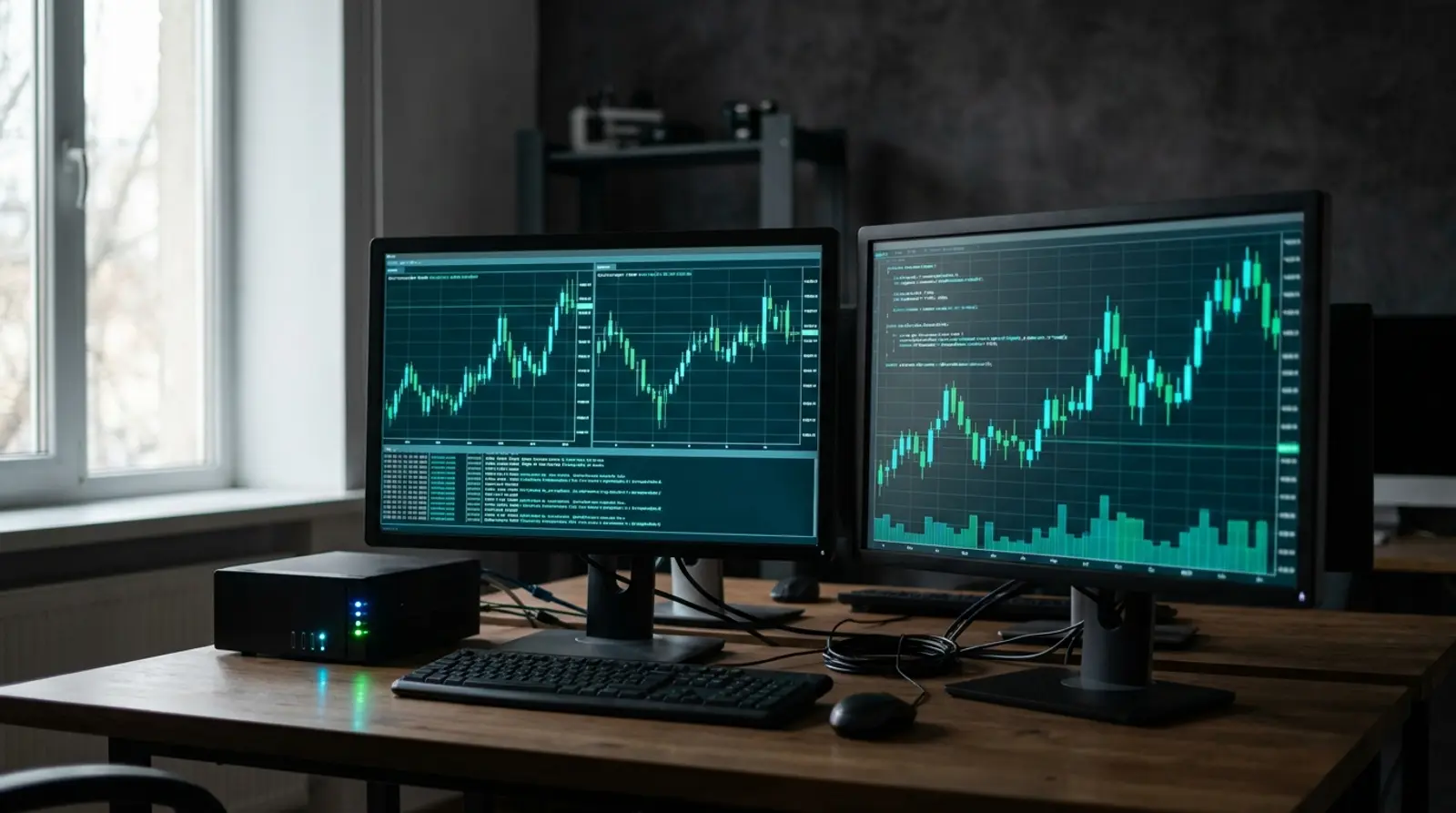
The crypto market never sleeps. It trades 24 hours a day, 7 days a week, with no weekend break like the stock market. That means a crypto trading bot you set up also has to stay online at all times, because if the bot drops even briefly, it can miss an entry or exit, or worse, get stuck in a position it never closed as planned.
This article explains why running a crypto trading bot on a VPS is more essential than running it on a home PC, how latency affects certain kinds of bots, choosing between Windows and Linux depending on the type of bot (such as a grid/DCA bot, Freqtrade, or Hummingbot), and the VPS spec that is enough.
Important note: trading and investing in crypto is high-risk. Prices are extremely volatile and you can lose your entire principal. A trading bot is only a tool that runs as configured; it does not guarantee profit. This article is a technical guide to running bots on a VPS only, not investment advice. Do your own research and accept the risk yourself.
Why a crypto trading bot must run 24/7 and never drop
A trading bot works by watching prices and market conditions constantly, then sending buy/sell orders automatically when your set criteria are met. The heart of this kind of bot is continuity. If the bot is offline at the moment the price hits the point where it should act, it does nothing, and that is where the trading plan falls apart.
Many kinds of bots, like a grid bot or DCA bot, work in a cycle that must run continuously. Dropping mid-cycle can leave an order half-filled, a take-profit unset, or an entry missed at the level you planned. With crypto being so volatile, even a few minutes of downtime can make a difference.
- The crypto market is open 24/7, so the bot must watch continuously with no chance to switch off
- A dropped bot = a missed entry/exit, or a stuck, unmanaged position
- A grid/DCA bot works in a cycle and must run continuously to complete rounds as planned
- High volatility means even short downtime can create a difference
- A bot with program-side stop-loss/take-profit must be online to send those orders
Why a home PC is a poor fit for a trading bot
Many people start by running a bot on their own computer, which is fine for testing. But once you trade for real with real money, you hit the instability of a home environment: power cuts, dropped connections, or Windows forcing an update and restarting the machine in the middle of the night, and the bot stops without you knowing.
And if you have to switch off the PC to go to work or sleep, the bot dies with it. Leaving a PC on 24/7 to run a trading bot risks overheating and wasted power, and an unstable home IP can look suspicious to some exchanges. A VPS solves all of this.
- A power cut or dropped connection at home stops the bot mid-way without you noticing
- A Windows Update forces a restart on its own and the bot dies silently
- You have to leave the PC on 24/7, wasting power and overheating the machine
- A home IP changes often and is unstable
- If the machine has a problem, you have to be at it in person to fix it
How a VPS helps with running a trading bot and with latency
A VPS stays on inside a datacenter 24 hours a day, with backup power and networking and 99.9% uptime, so the bot stays online continuously even when you switch off your home PC. You get Full Root Access to install the bot and any dependencies, and you can choose your OS, both Windows and Linux, depending on the bot.
Another thing some people care about is latency, the delay in sending orders to the exchange. A speed-focused bot (such as market making or arbitrage) gains an edge when the VPS is close to the servers of the exchange it uses, while a grid/DCA bot that works on a time cycle is not very sensitive to latency, as long as the network is stable and it stays on.
- On 24/7 in a datacenter with 99.9% uptime, so the bot does not drop
- Full Root Access to install the bot and dependencies freely
- Stable high-speed networking, reducing the chance of a missed order from a network hiccup
- A stable IP makes whitelisting with the exchange API easy
- Choose a location/OS that suits your bot and the exchange you use
Popular trading bots and which OS to use
Crypto trading bots come in many forms, from open-source ones you run yourself on a VPS to ready-made platforms. Which OS to choose depends on what the bot was designed to run on. The table below summarizes rough guidance (please double-check each bot's documentation before installing).
| Bot type / example | How it works | Suitable OS |
|---|---|---|
| Freqtrade (open source) | A Python bot you run yourself, set your own strategy | Linux |
| Hummingbot (open source) | Market making / arbitrage | Linux |
| A self-written grid / DCA bot | A Python/Node script on a cycle | Linux |
| A bot that is a Windows program | Has a GUI, runs on Windows | Windows |
| A cloud platform (3Commas, etc.) | Runs on the provider's servers | No VPS needed |
How much VPS spec does a trading bot need
Most crypto trading bots use fewer resources than you might think, especially a bot running a single strategy on a few coins. Start with a mid-range spec, then step up when you run several strategies, many coin pairs, or a bot with heavy AI/backtesting.
| Recommended spec | Suits which kind of bot | Notes |
|---|---|---|
| 1 vCPU / 1–2 GB RAM | A single bot on 1–2 pairs, a light grid/DCA | A starting point for a single bot |
| 2 vCPU / 2–4 GB RAM | Freqtrade with several strategies, many pairs | Popular for real trading |
| 2–4 vCPU / 4–8 GB RAM | Hummingbot, several bots at once, backtesting | Handles load and processing work |
| Windows VPS | A bot that is a Windows program with a GUI | Add extra RAM, as Windows uses more |
Security and risk warnings
When you run a trading bot tied to an exchange API on a VPS, the security of the machine matters a great deal, because a leaked API key could be used to place trades or withdraw funds (depending on the permissions you granted). So you need to lock it down from the start.
- Give the API key only the permissions it needs — if the bot does not need to withdraw, do not enable the withdraw permission
- Use IP whitelisting to bind the API key to the VPS IP (a VPS has a stable IP, so this is easy)
- Set a strong SSH password/key, and disable password login if you can use a key
- Update the system and the bot regularly, and close unused ports
- Keep the API key in a config/.env file, never hardcoded in the code or pushed to GitHub
Summary: run a crypto trading bot reliably on a VPS
The crypto market is open 24/7, so a trading bot has to stay online and never drop. A home PC that risks power cuts, dropped connections, or forced restarts is a poor fit for real trading. A VPS that stays on in a datacenter with 99.9% uptime, gives you Full Root Access, and lets you choose Windows/Linux is the better option.
Pick a spec that matches the number of strategies and coin pairs, pay attention to API key security, and most importantly, understand that crypto trading is high-risk. A VPS lets the bot run reliably as configured, but the decisions and the risk are always yours.
Run your crypto trading bot reliably 24/7 on Plusweb Cloud VPS
From ฿150/month · Full Root Access · KVM · SSD · 99.9% uptime · Choose Linux or Windows · Stable networking, stable IP, auto-provisioned — the bot stays online without leaving your home PC on
Frequently Asked Questions
Why run a crypto trading bot on a VPS instead of a home PC?
Because the crypto market is open 24/7 and the bot must stay online at all times. A home PC risks power cuts, dropped connections, or a Windows-forced restart that kills the bot silently. A VPS stays on in a datacenter with backup power and networking and 99.9% uptime, so it is far better suited to a trading bot that must never drop.
Should a crypto trading bot use Windows or Linux?
It depends on the bot. Open-source bots like Freqtrade, Hummingbot, or a self-written Python/Node script run well on Linux and use few resources. A bot that comes as a Windows program with a GUI needs Windows. At Plusweb you can pick either OS to match the bot you use.
How much does latency matter for a crypto trading bot?
It depends on the bot type. A speed-focused bot like market making or arbitrage gains an edge when the VPS is close to the exchange servers, while a grid/DCA bot that works on a time cycle is not very sensitive to latency, as long as the network is stable and it stays on.
What VPS spec do I need to run a crypto trading bot?
A single bot on a few pairs starts fine at 1 vCPU / 1–2 GB RAM. For several strategies or many pairs, 2 vCPU / 2–4 GB RAM is recommended, and for a heavy bot or frequent backtesting, step up to 4–8 GB RAM. If you use a Windows VPS, leave more RAM headroom than for Linux.
Does a crypto trading bot guarantee profit?
No. Trading and investing in crypto is high-risk. Prices are extremely volatile and you can lose your entire principal. A bot is only a tool that runs as configured. A VPS keeps the bot stable and running continuously, but it does not reduce market risk. Invest only what you can afford to lose.
GUIDES
Related articles
Keep reading on similar topics
Run Bots and Automation Scripts 24/7 on a VPS
Got a Python/Node script, a Telegram bot, a web scraper, or an automation task you want running all the time? This guide explains why a VPS beats a home PC, how to use pm2 and cron to keep bots/scripts running continuously, and the spec you need.
Read more
How to Run an EA on a Forex VPS (MT4/MT5): Beginner Guide 2026
A step-by-step guide for beginners who want to run an EA on a VPS — what to prepare, how to remote into a Windows VPS via RDP, install MT4/MT5, add the EA file, enable AutoTrading, and confirm it runs 24/7, plus fixes for common problems.
Read more
What Is a VPS? What Can You Do With One, Explained Simply
A complete guide to VPS — what a VPS server is, how it works, how Cloud VPS differs from a regular VPS, what you can do with one, how it compares to shared hosting and dedicated servers, who should use one, and how to get started in 2026.
Read more