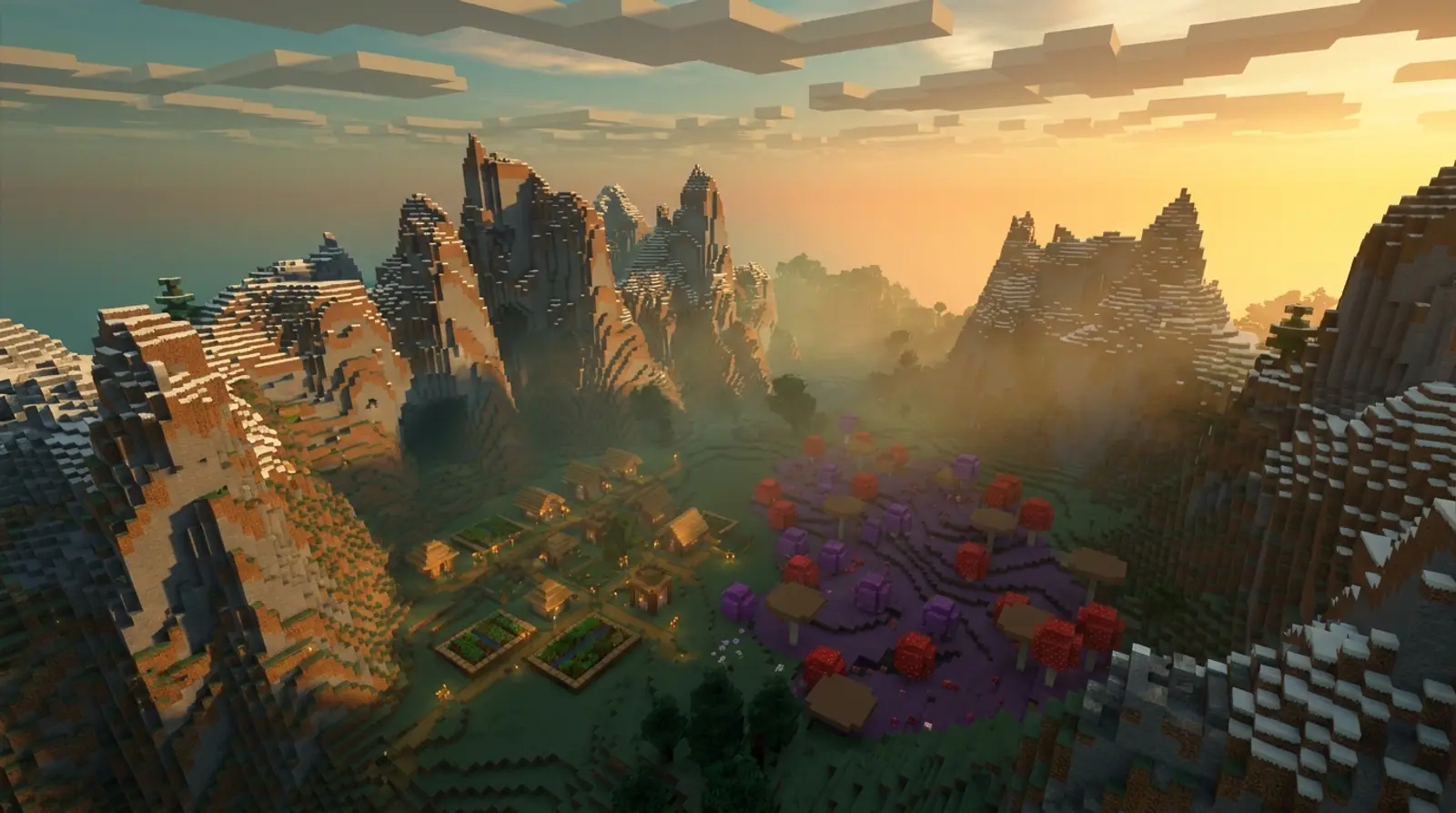
Every time you create a new world in Minecraft, the system randomizes the terrain — but did you know you can "choose" the world you want from the start? That is done with something called a "seed," letting you begin in a world with a village right at spawn, beautiful biomes, or good loot nearby.
This article rounds up the best Minecraft seeds for 2026, sorted by the types people love — villages near spawn, rare and beautiful biomes, and seeds suited to speedrunning — plus an explanation of what a seed is, how it works, and how to enter a seed on both Java and Bedrock.
Finally, we cover using the same seed on a private server, so you and your friends can start an adventure in the same world from the beginning. Note: seed results can vary slightly by game version, so we recommend checking the version a seed specifies.
What Is a Minecraft Seed, and How Does It Work?
A seed is a set of numbers (or text the system converts into numbers) used as a "random code" for generating a Minecraft world. When you enter the same seed on the same game version, the system generates the same terrain, villages, caves, and structures every time.
That means if someone finds a beautiful world, or a world with good loot right at spawn, and shares the seed, you can use that seed to generate the same world — no need to keep randomizing new worlds.
Keep in mind that seed results can differ somewhat between game versions (for example, world generation changes in a major update) and between Java and Bedrock. Some seeds therefore specify which version they work best with, so we recommend checking that info.
The Types of Seeds People Look For
Before picking a seed, think about what kind of world you want, because each type suits a different play style.
| Seed type | Who it suits | What to look for |
|---|---|---|
| Village near spawn | Beginners, survival players | Loot, food, shelter from the start |
| Rare/beautiful biome | Builders, photographers | Great views like cherry grove, flower forest, tall mountains |
| Loot near spawn | Fast-paced players | Near strongholds, temples, structures with loot |
| Speedrun | Time-attack players | Reach the Nether / find a stronghold quickly |
| Survival island | Challenge seekers | Start on a small island, limited resources |
Seeds With Villages and Loot Near Spawn
For people who want to start the game with a head start — no long walk to find shelter — this group of seeds has villages or structures with loot near spawn, helping you get set up fast.
- Look for seeds with a village right at spawn so you get beds, food, and chests to loot from the start
- Seeds where a village overlaps another structure — such as near a Pillager Outpost or a desert temple — give loot and a challenge in one place
- Some seeds have a village on or near a cave mouth or mine, helping you get down to ores quickly
- Seeds with lava pools or water sources nearby are great for building farms and systems early in the game
Beautiful and Rare Biome Seeds
Builders, photographers, and people who love great views often look for seeds with special biomes near spawn, because they get both a beautiful backdrop and region-specific materials.
Example biomes people love to find: Cherry Grove (pink-toned cherry-blossom forest), great for photos and Japanese-style builds; Flower Forest, with flowers of many colors; tall snow-capped mountains for epic views; plus underwater or swamp biomes with a distinctive atmosphere.
This group of seeds suits long-term play and building beautiful structures — especially when playing as a group on a private server, where everyone helps build a city in the same beautiful world.
How to Enter a Seed on Java and Bedrock
Entering a seed is very easy when creating a new world. Both editions have similar steps, differing only slightly in menu location.
- 1Java: click Singleplayer > Create New World > More World Options..., then paste the seed into the "Seed for the World Generator" box
- 2Bedrock: click Play > Create New > Create New World, then scroll to the "Seed" box in the world settings and paste the seed
- 3Enter the seed as the number given, or if it is text, type it exactly (letter case matters)
- 4Set the game mode (survival/creative) and other rules as you like, then create the world
- 5If the result does not match what you expected, check that the game version and edition (Java/Bedrock) match what the seed specifies
Use the Same Seed on a Private Server to Play With Friends
If you find a great seed and want to invite friends into the same world, the best way is to create a world from that seed on a private server, because everyone joins the same world, sees what you build together, and progress is saved on the server at all times.
On a server, you can also set the seed when creating the world (through the server's world settings). Then everyone who joins is in the world generated from that seed — unlike single-player, where the world lives only on your machine.
The advantage of playing on a server that runs 24/7 is that anyone can hop in and continue the world whenever they are free, without waiting for a host to boot their machine. And if the server has a Thai datacenter for low ping, exploring beautiful worlds together is even smoother.
Want to play with friends without interruptions
Found a great seed? Invite friends to explore the same world — Plusweb Minecraft Hosting runs 24/7, supports Java + Bedrock, lets you choose player slots, sits in a Thai datacenter for low ping, 99.9% uptime, from ฿150/mo.
Frequently Asked Questions
What is a Minecraft seed?
A seed is a set of numbers or text used as a random code for generating a Minecraft world. Enter the same seed on the same game version and you get the same terrain, villages, and structures every time — so you can share beautiful worlds with others.
Why does my world not match the one in the video after entering the seed?
Usually because the game version does not match, or you are using a different edition between Java and Bedrock, since world generation differs by version and platform. Use the version and edition the seed specifies for the closest result.
How do I enter a seed on Bedrock?
Click Play > Create New > Create New World, then scroll to the Seed box in the world settings and paste the seed (if it is text, type it with exact letter case). Set the game mode as you like, then create the world.
Why is a village-near-spawn seed good?
It lets you start the game with a head start — beds, food, and loot from the get-go, with no long walk to find shelter. It suits beginners and survival players who want to get set up fast.
Can I use the same seed to play with friends?
Yes. The best way is to create a world from that seed on a private server, so everyone plays in the same world, sees what you build together, and if the server runs 24/7, anyone can hop in and continue whenever they are free.
GUIDES
Related articles
Keep reading on similar topics
How to Make a Minecraft Server to Play with Friends (Full Guide)
Want to run a Minecraft server with friends but don't know where to start? This article covers 2 options — self-hosting on your PC vs. renting a server — with pros and cons, step-by-step setup, a RAM-by-player-count table, and how to install mods.
Read more
Essential Minecraft Commands for 2026 (Full List for Players and Admins)
Cannot remember Minecraft commands? This article collects the most-used commands into tables — /gamemode /give /tp /time /weather, a table of popular gamerules like keepInventory (keep items on death), and server admin commands /op /ban /whitelist, plus how to enable cheats.
Read more
Best Minecraft Server Hosting: The Complete Selection Guide
Want to rent a Minecraft server but don't know which to choose? This article covers the key criteria for choosing Minecraft server hosting — RAM specs, location and ping, Java+Bedrock support, mods, instant activation, price, and support — plus a RAM selection table.
Read more