What Is a Dedicated Server? How It Differs From VPS and Who It Suits
As your website or system grows to the point where a VPS no longer has enough resources, a dedicated server is the next option that usually comes up. It is the top-tier server that gives you an entire machine's resources for yourself alone — but many people still wonder how it differs from a VPS and cloud, whether it is worth it, and when to make the move.
This article explains dedicated servers in plain English: what a dedicated server is, what "bare-metal" means, how it differs from VPS and cloud (with a comparison table), the pros and cons, who it suits, the specs to consider, and the signs it is time to upgrade from a VPS to a dedicated server in 2026.
What Is a Dedicated Server?
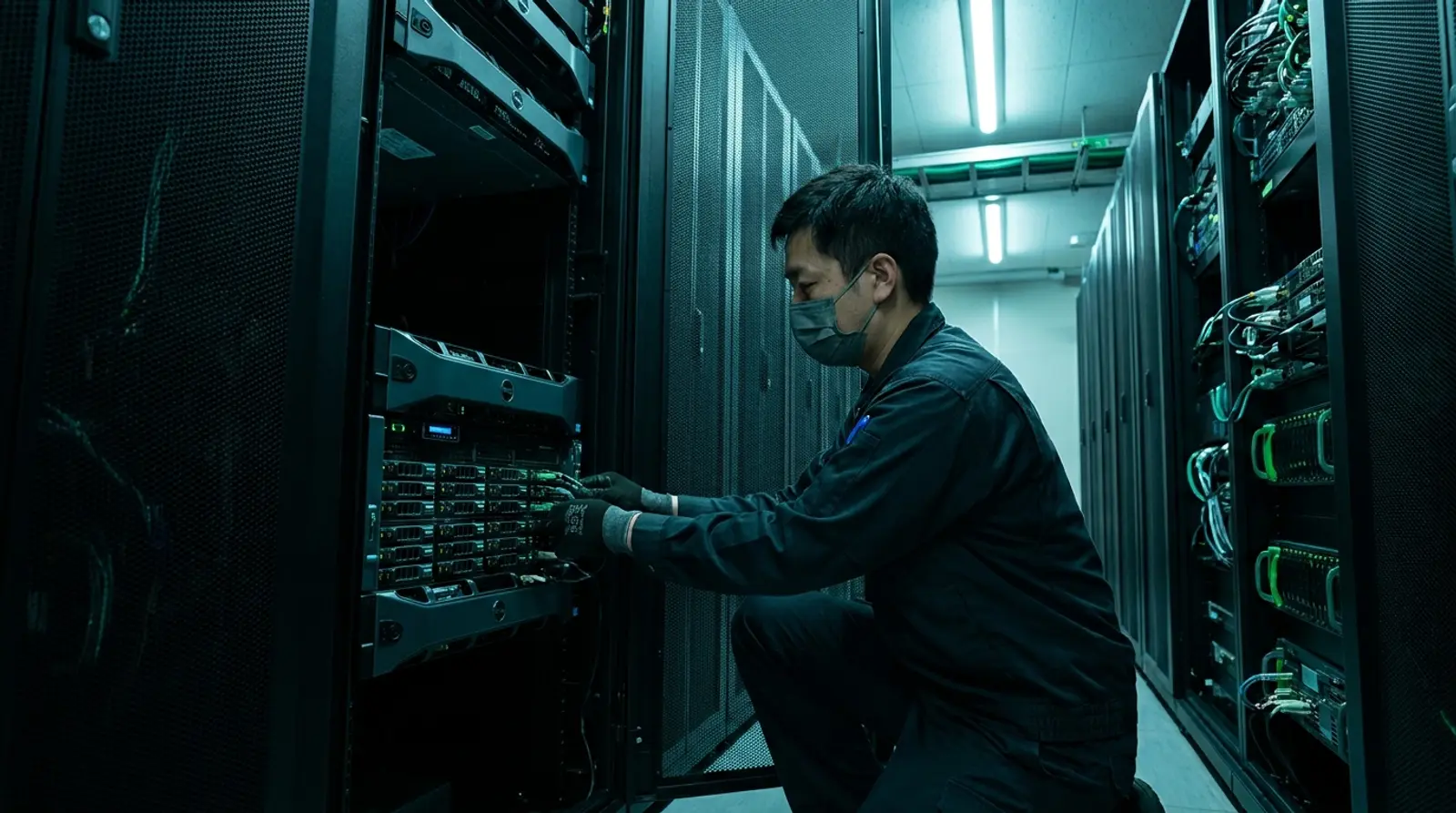
A dedicated server means renting an entire physical server (bare-metal) where all the resources — CPU, RAM, storage, and bandwidth — are yours alone, with nothing shared with other users. Unlike a VPS, which partitions resources from a real machine into portions, a dedicated server is "the whole building," not just one room.
The term "bare-metal server" is another name for a dedicated server. It refers to a server where you access the real hardware directly, with no virtualization layer dividing up resources — so you get 100% of the machine's performance. It suits workloads that demand maximum processing power and enterprise-grade reliability.
How Is a Dedicated Server Different From VPS and Cloud?
This is the most-asked question. In short, all three differ in "how much of the resources are yours" and "how the machine is allocated." A VPS is a virtual machine partitioned from a real one; cloud is a virtual machine running on a cluster of machines; and a dedicated server is an entire real machine that is yours. See the comparison table below.
| Aspect | VPS | Cloud Server | Dedicated Server |
|---|---|---|---|
| Nature | Virtual machine partitioned from a real one | Virtual machine on a cluster | An entire real machine (bare-metal) |
| Resources | Partitioned and private to you | Private on the cloud | 100% of the machine is yours |
| Performance | High, enough for general workloads | High and flexible | Maximum, full hardware power |
| Scaling | Flexible, adjustable | Most flexible, fast to adjust | Requires changing/upgrading the machine |
| Price | Moderate, cost-effective | Pay for what you use | Highest |
| Best for | Growing sites, apps, bots | Flexible workloads, high uptime | Organizations, very high traffic, heavy workloads |
Benefits of a Dedicated Server
Organizations and high-end workloads choose dedicated servers despite the higher price because of these advantages.
- Full performance — you get the whole machine's CPU/RAM with nothing shared and no neighbors competing for resources
- Maximum reliability — ideal for workloads that need certainty, unaffected by other users' load
- Full control — choose your hardware, operating system, and configuration exactly as you want
- High security and privacy — your data sits on your machine alone, not mixed with anyone else
- Handles heavy workloads and high traffic — ideal for large databases, heavy processing, or many concurrent users
Drawbacks and Things to Consider
A dedicated server is not for everyone. Before deciding, weigh these limitations too.
- Higher cost than VPS and cloud — you pay for the whole machine even if you do not use all the resources
- Less flexible scaling — adding or reducing specs usually means upgrading or changing the machine, not the instant adjustment cloud offers
- Requires management knowledge — running a whole server takes more systems understanding than everyday tasks
- May be overkill for small sites — if traffic is not high yet, a VPS may be more cost-effective with resources to spare
Who Is a Dedicated Server For?
A dedicated server is most worthwhile when your workload demands high resources and reliability. These are the groups it suits best.
- Large organizations and businesses — needing enterprise-grade servers with full control
- Websites with very high traffic — news sites, large e-commerce, or platforms with many concurrent users
- Large game servers — supporting many players and needing the lowest possible latency
- Heavy processing workloads — such as rendering, big-data processing, large databases, or AI/machine learning
- Systems needing maximum security and privacy — where you do not want to share hardware with anyone at all
Specs to Check Before Renting a Dedicated Server
Before choosing a dedicated server, consider the hardware specs to match your workload, so you neither overpay nor end up with a machine that is not enough. Here is what to look at.
- CPU — the number of cores and the chip model affect processing power; heavy workloads should choose a high-end CPU such as Intel i9 or Xeon
- RAM — more memory supports more concurrent users and apps, especially for database workloads
- Storage — choose SSD for fast read/write speeds and check the capacity fits your data
- Bandwidth and connectivity — data-transfer volume and network speed matter for high-traffic sites
- Data center location — servers in Thailand mean low latency for in-country users
- Uptime and support — choose a provider that guarantees high uptime and has a support team
When Should You Upgrade From VPS to Dedicated Server?
Many people start with a VPS, which is cost-effective and enough for most workloads. But when resources start running short, moving to a dedicated server becomes a sensible step. Watch for these signs.
- The VPS runs out of resources often — CPU/RAM near capacity constantly, even after upgrading the VPS spec
- Traffic has grown so much the site slows down or crashes at peak times
- You need maximum performance and reliability for business-critical workloads
- You have heavy processing or large databases that need a whole machine's resources
- You need a level of hardware control and security a VPS cannot provide
Want a Whole Machine to Yourself? Choose a Plusweb Dedicated Server
Enterprise-grade bare-metal · Intel i9 / Xeon CPUs · the whole machine is yours · data center in Thailand · 99.9% uptime
Frequently Asked Questions
What is the shortest way to say how a dedicated server differs from a VPS?
A VPS is a virtual machine that partitions resources from a real machine to be private to you, but still shares the same hardware with other users. A dedicated server is an entire real machine (bare-metal) that is yours alone, with full resources and nothing shared — so performance and reliability are higher, but so is the price.
What is a bare-metal server?
Bare-metal server is another name for a dedicated server. It refers to a server where you access the real hardware directly, with no virtualization layer dividing up resources, so you get 100% of the machine's performance. It suits workloads that demand maximum processing power.
Is a dedicated server suitable for a small website?
Generally not necessary, because for small sites or lower traffic a VPS is usually enough and more cost-effective. A dedicated server pays off when you have very high traffic, heavy processing, or need a whole machine's resources and enterprise-grade reliability.
Can you scale up a dedicated server?
You can, but not as flexibly as a VPS or cloud, because it is real hardware. Adding RAM or storage usually means upgrading or changing the machine, unlike a Cloud VPS where you can scale specs up or down quickly. If your workload needs frequent scaling, a Cloud VPS may suit you better.
What specs do Plusweb dedicated servers have?
Plusweb provides enterprise-grade bare-metal dedicated servers using Intel i9 or Xeon CPUs, with the entire machine yours. They sit on the The Cloud @ CSLoxinfo data center in Thailand with 99.9% uptime, suited to organizations, high-traffic workloads, and heavy processing.
GUIDES
Related articles
Keep reading on similar topics

What Is a Server? How It Works and the Main Types, Explained Simply
Everything a beginner needs to know about servers — what a server is, how it works, the main types, physical vs virtual servers, and which one to rent in 2026.
Read more
VPS vs Web Hosting: What Is the Difference and Which to Choose in 2026?
A simple breakdown of the difference between web hosting and a VPS — which suits small sites, which suits growing sites — with a comparison table of resources/control/price and the signs it is time to upgrade from hosting to a VPS.
Read more
What Is a VPS? What Can You Do With One, Explained Simply
A complete guide to VPS — what a VPS server is, how it works, how Cloud VPS differs from a regular VPS, what you can do with one, how it compares to shared hosting and dedicated servers, who should use one, and how to get started in 2026.
Read more