
What Is a Server? How It Works and the Main Types, Explained Simply
Every time you open a website, send an email, play an online game, or watch a video, there is a "server" working behind the scenes around the clock. The word "server" is one we hear constantly, yet many people are not sure what it actually is, how it differs from an ordinary computer, or why businesses need one.
This article explains servers in plain English from the ground up: what a server is, how it works, the main types (web, database, file, game, mail), the difference between physical and virtual servers, and — if you want your own server — the ways to rent one, plus how to choose the right fit in 2026.
What Is a Server?
A server is a computer whose job is to "serve" data or resources to other computers, called "clients," over a network. In other words, it is a machine that waits to receive requests and then responds with the right data. For example, when you type a website name, your browser (the client) sends a request to the web server, and the server sends the web page back to be displayed.
At its core, a server is just a computer — but one built to run hard, continuously, 24 hours a day, 7 days a week. That is why servers typically use more durable hardware, more CPU and RAM, and better power-backup and cooling than a regular PC, and often have no monitor or keyboard attached because they are controlled remotely over the network.
How Does a Server Work? (Client-Server, Made Simple)
A server works on a model called "client-server." Picture a restaurant: the customer (client) orders food from the waiter, and the kitchen (server) prepares the food and sends it back. A server works the same way — it waits for requests, processes them, and sends the results back.
Take opening a website as an example: (1) you type the site name in your browser; (2) DNS translates that name into the server's IP address; (3) the browser sends an HTTP request to the web server at that IP; (4) the web server processes it and sends the page files back; (5) the browser renders the page for you. All of this happens in a fraction of a second.
What Are the Types of Servers? (By Role)
We can categorize servers by their "role." A single server may handle one role or several at once. These are the most common types.
- Web Server — stores and delivers web pages to visitors. The most popular software is Apache and Nginx.
- Database Server — stores and manages large amounts of data, such as MySQL and PostgreSQL, for apps and sites to draw on.
- File Server — stores and shares files so users across an organization can access them in an organized way.
- Mail Server — sends, receives, and stores email, such as a company email system.
- Game Server — processes and syncs player data in online games in real time, such as Minecraft and FiveM.
- Application Server — runs the business logic of a program or the API behind various apps.
- DNS Server — translates domain names into IP addresses so machines can find each other on the internet.
- Proxy / VPN Server — acts as an intermediary for connections, for security or privacy.
Physical Server vs Virtual Server: What Is the Difference?
Servers can also be viewed by their "physical form," which comes in two main types: physical servers (bare-metal) and virtual servers. Both serve the same purpose, but they differ in how the machine is allocated.
A physical server, or bare-metal, is an entire real server whose resources belong to a single workload. A virtual server uses hypervisor software to split one physical machine into several virtual servers, each with its own operating system and resources — and a VPS (Virtual Private Server) is the most popular type of virtual server.
| Aspect | Physical Server (Bare-metal) | Virtual Server (VPS) |
|---|---|---|
| Nature | An entire real machine | A virtual machine partitioned from a real one |
| Resources | All dedicated to one workload | Private to each virtual machine |
| Flexibility | Scaling means changing machines | Easy to scale up or down |
| Cost | Higher | Cost-effective and more accessible |
| Best for | Very heavy workloads, large organizations | Websites, apps, bots, general to mid-level workloads |
Which Server Can You Rent? (Shared / VPS / Dedicated / Cloud)
If you want a server without buying hardware and building your own data center, you can "rent" one in several forms. They differ in how much of the resources are yours and how much control you have.
| Type | Resources | Control | Price | Best for |
|---|---|---|---|---|
| Shared Hosting | Shared with other users | Limited (via control panel) | Cheapest | Small sites, beginners |
| VPS | Partitioned and private to you | Full (root/admin) | Moderate, cost-effective | Growing sites, apps, bots, specialized systems |
| Dedicated Server | A whole machine that is yours | Complete | High | Organizations, very high traffic |
| Cloud Server | Private on a cloud cluster | Full (root/admin) | Pay for what you use | Workloads needing flexibility and high uptime |
What Operating System Does a Server Use? (Windows vs Linux)
Like any computer, a server needs an operating system. The two main families are Linux and Windows Server. Your choice depends on what you plan to run and what you are comfortable with.
| Aspect | Linux Server | Windows Server |
|---|---|---|
| License cost | Free, no license fee | License fee required |
| Usage | Mostly via the command line | Has a desktop interface (GUI) |
| Connection | Via SSH | Via Remote Desktop (RDP) |
| Best for | Web, APIs, databases, bots | MT4/MT5, .NET programs, Windows-side workloads |
Why Not Run a Server at Home? (The Benefits of a Data Center)
In theory you could turn a home computer into a server, but in practice almost no one does for serious work — because a server must stay online continuously and reliably, which is hard to achieve at home. Renting a server that sits in a data center is far more worthwhile.
- Stable power and internet — data centers have power backup (UPS/generator) and high-speed internet over multiple routes
- High uptime — professional providers guarantee 99.9% uptime, which a typical home cannot match
- Physical security — access controls, CCTV, and fire-suppression systems
- Good cooling — temperature and humidity are controlled so machines last longer
- Instant deployment — rent a VPS or cloud server with automatic setup, ready in minutes, with no hardware investment
- A support team — a support crew looks after the underlying infrastructure around the clock
Which Server Should You Choose? (A Summary for Beginners)
There is no single "best" server — it depends on your workload. Use these guidelines to choose the right fit without overpaying.
- Small websites, personal blogs, tight budget — you can start with shared hosting
- A growing site that needs custom software or runs a bot/app 24/7 — choose a VPS (the best value for most people)
- Needs high flexibility, frequent scaling, and where uptime is critical — choose a Cloud VPS / Cloud Server
- Large organizations, very high traffic, heavy processing, needing a whole machine — choose a Dedicated Server
- Running Windows-side programs specifically, such as MT4/MT5 — choose a Windows VPS
- Building web, apps, APIs, databases, bots — choose a Linux VPS
Want Your Own Server? Start With a Plusweb Cloud VPS
Cloud VPS · Full Root Access · KVM · SSD · Windows/Linux · from ฿150/mo · automatic deployment · 99.9% uptime
Frequently Asked Questions
How is a server different from a regular computer?
At its core a server is just a computer, but it is built to run hard and continuously 24 hours a day to serve data to other machines. It therefore uses more durable hardware, more CPU/RAM, and better power-backup and cooling, and is usually controlled remotely over the network rather than having a monitor and keyboard.
What is a web server?
A web server is a server that stores and delivers web pages to visitors' browsers. When you open a site, your browser sends a request to the web server, and the server sends the page files back to be displayed. The most popular web server software is Apache and Nginx.
I am a beginner who wants a server — where should I start?
For most people we recommend starting by renting a VPS (Virtual Private Server), because you get full resources and root/admin control at an accessible price, with automatic deployment in minutes and the ability to scale up as your workload grows. Plusweb's Cloud VPS starts at ฿150/mo.
Does a server really have to run 24 hours a day?
Yes, because a server must always be ready to answer user requests. If you turn it off, the website or service running on it becomes unreachable. That is why people rent servers in a data center with power backup, stable internet, and a guarantee of uptime as high as 99.9%.
What is the difference between renting a VPS and a dedicated server?
A VPS is a virtual server that partitions resources from a real machine to be private to you — good for general to mid-level workloads at a great value. A dedicated server is an entire bare-metal machine that is yours alone, with 100% of its resources, suited to organizations with very high traffic or heavy processing.
GUIDES
Related articles
Keep reading on similar topics
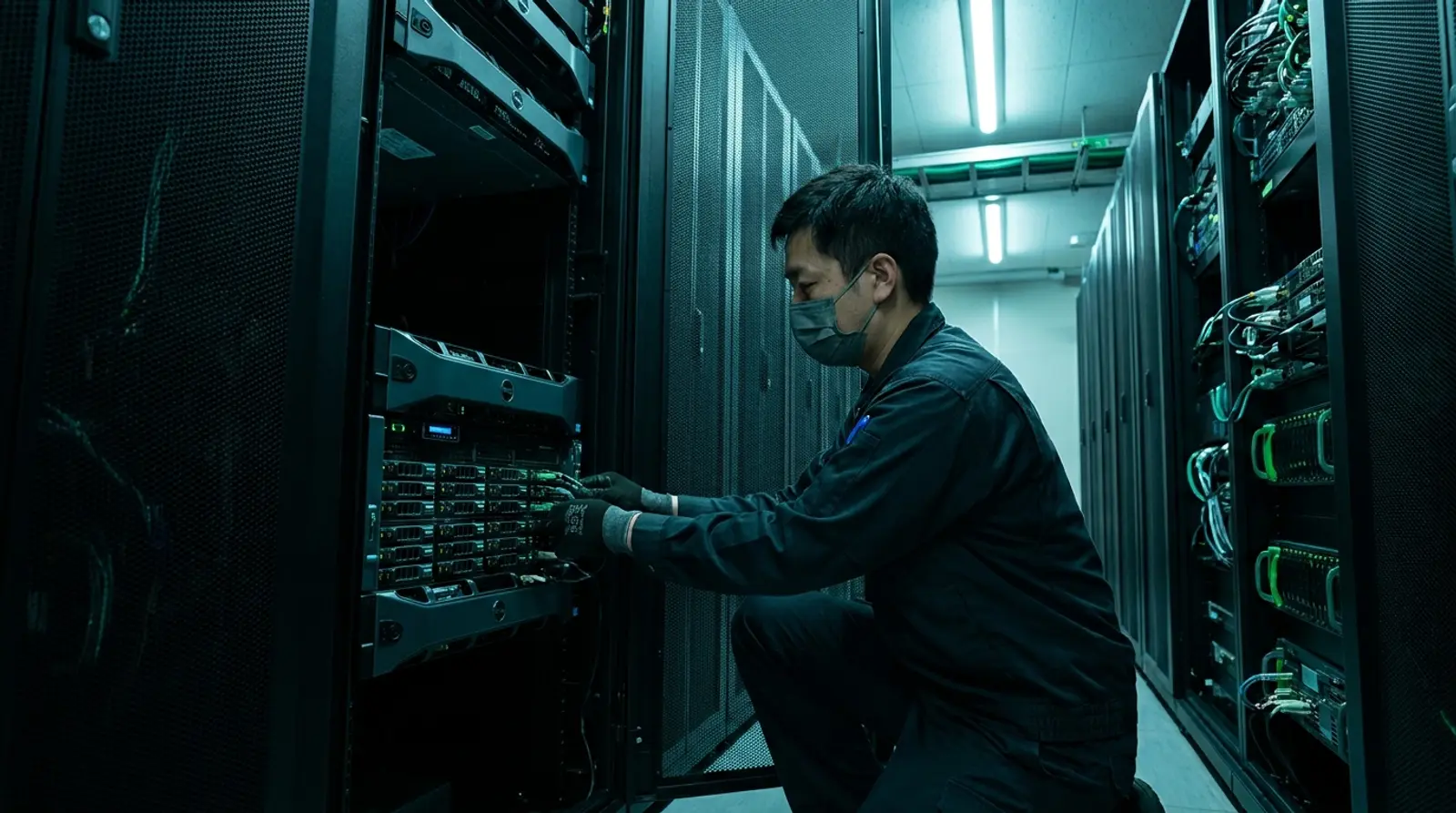
What Is a Dedicated Server? How It Differs From VPS and Who It Suits
A complete guide to dedicated servers — what a bare-metal server is, how it differs from VPS and cloud, pros and cons, who it suits, specs to check, and the signs it is time to upgrade from a VPS.
Read more
What Is a VPS? What Can You Do With One, Explained Simply
A complete guide to VPS — what a VPS server is, how it works, how Cloud VPS differs from a regular VPS, what you can do with one, how it compares to shared hosting and dedicated servers, who should use one, and how to get started in 2026.
Read more
What Is a Cloud Server? How It Differs From VPS and Who It Suits
Understand what a cloud server is, compare it with VPS, dedicated, and shared hosting, and learn the benefits, pricing, and how to get a flexible, reliable cloud server.
Read more