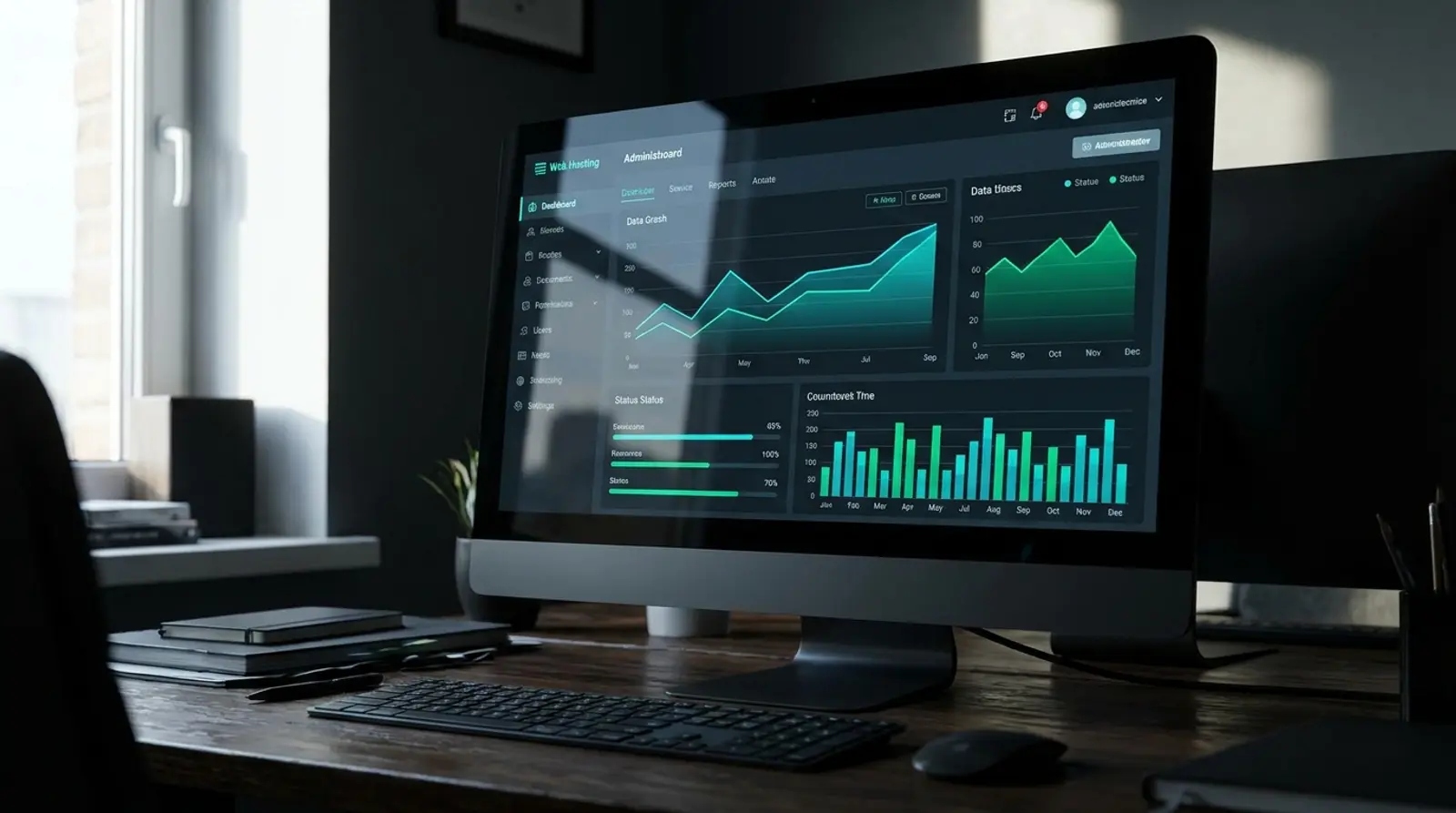
What Is DirectAdmin? The Popular Hosting Control Panel and How to Use It
If you rent a VPS or server to run a site and then have to type command-line instructions just to create a site, set up email, or install SSL, tasks that should take a few clicks become a hassle. DirectAdmin is the tool that solves this.
This article covers everything in one place: what DirectAdmin is, what it does, how it differs from cPanel, who should use it, what it installs on, and how to actually use it. By the end you'll have the full picture and be ready to get started in 2026.
What Is DirectAdmin?
DirectAdmin is a web hosting control panel that lets you manage websites and servers through a graphical web interface instead of typing command-line instructions. Everything — from creating domains and setting up email to managing databases and installing SSL — is done with mouse clicks in your browser.
Put simply, DirectAdmin is a "control screen" that lets non-experts fully manage their own web hosting. It's software installed on a server (especially Linux) that you then log into and use through the web from anywhere.
What Can DirectAdmin Do?
DirectAdmin's strength is bringing nearly all the essential hosting management tasks into one screen. Whether you manage one site or dozens, you handle them all from the same control panel.
- Manage domains and subdomains — add new sites, set DNS, and create addon domains yourself.
- Manage email — create @yourdomain email, set up forwarders and autoresponders, and use webmail.
- Manage databases — create/delete MySQL/MariaDB databases and open phpMyAdmin in one click.
- Manage files — upload, edit, and delete site files via the File Manager, or create FTP accounts.
- Install SSL — issue free SSL certificates from Let's Encrypt to make your site HTTPS automatically.
- Backups — schedule backups and restore your site, email, and databases yourself.
- View stats and resources — check disk usage, bandwidth, and visitor statistics.
DirectAdmin vs cPanel: What's the Difference?
DirectAdmin and cPanel are popular control panels that do largely the same core job — letting you manage web hosting through a web interface. But there are differences that have led many to switch to DirectAdmin recently, especially around how lightweight it is and licensing cost.
| Topic | DirectAdmin | cPanel |
|---|---|---|
| Resource usage | Lightweight; uses little RAM/CPU, good for modest VPS specs | Uses more resources |
| Speed | Pages load fast, responsive | Feature-rich but heavier |
| Licensing cost | Cheaper overall | Higher licensing cost |
| Ease of use | Clean interface, quick to learn | Full-featured, familiar interface in the market |
| Best for | VPS/private servers, sites that value being lightweight | Hosting that needs a full set of extra features |
Who Should Use DirectAdmin?
DirectAdmin suits anyone who has to manage sites on their own server but doesn't want to be buried in Linux commands. See which group you fall into.
- Site/business owners — who rent a VPS to run their own site and want to manage domains, email, and SSL easily.
- Resellers / hosting providers — who divide space to resell, create packages, and open accounts for clients to manage themselves.
- System administrators (admins/sysadmins) — who manage many sites on one server and want a central dashboard for everything.
- Developers / freelancers — who build sites for many clients and want to hand over a management screen clients can use themselves.
What Can DirectAdmin Be Installed On?
DirectAdmin is software installed on a Linux server and supports popular distributions like AlmaLinux, Rocky Linux, CentOS, Ubuntu, and Debian. The key requirement is a "server you have full (root) control over," which includes:
- VPS (Virtual Private Server) — the most popular choice; good value, suited to small-to-medium sites.
- Cloud Server — flexible, scales with usage, good for sites whose traffic grows quickly.
- Dedicated Server — an entire server to yourself, good for high-resource workloads and many sites.
How to Use DirectAdmin: Getting Started
Once DirectAdmin is installed on your server, actual use is easy and done entirely through the browser. Here's an overview of the steps from start to a live site.
- 1Install DirectAdmin on a VPS/Cloud/Dedicated (or have an expert install it), then get the URL, username, and password to log in.
- 2Log into the control panel through your browser using DirectAdmin's port (the default is :2222).
- 3Add your domain and point the DNS/nameservers to the server.
- 4Upload site files via the File Manager or FTP, and create a MySQL database if your site needs one.
- 5Create @yourdomain email and install free SSL from Let's Encrypt to make your site HTTPS.
- 6Set up automatic backups to keep your site and email safe.
Get Started with DirectAdmin via Plusweb DirectAdmin License
DirectAdmin License from ฿2,400/yr · Free first install by experts · Works on VPS/Cloud/Dedicated · A lightweight, fast control panel that manages your whole site from the browser.
Frequently Asked Questions
What is DirectAdmin and what is it for?
DirectAdmin is a web hosting control panel that lets you manage domains, email, databases, files, SSL, and backups from your browser instead of typing command-line instructions. It suits anyone managing sites on their own VPS or server.
What's the difference between DirectAdmin and cPanel, and which is better?
Both do largely the same core job of managing hosting from a web interface, but DirectAdmin is lighter, uses fewer resources, and costs less overall to license, making it ideal for modest-spec VPS and cost-conscious users. cPanel has more extra features and has been familiar in the market for a long time.
What can DirectAdmin be installed on?
It installs on a Linux server where you have full root access, such as a VPS, Cloud Server, or Dedicated Server. It supports distributions like AlmaLinux, Rocky Linux, CentOS, Ubuntu, and Debian, with a VPS being the most popular choice for its value.
Can I use DirectAdmin if I'm not good with Linux commands?
Yes. DirectAdmin is designed to be used through a point-and-click web interface with no commands to type. The part that needs server knowledge is the "first install," which you can solve by having an expert install it. After that, you can use it comfortably yourself.
Does using DirectAdmin require a license fee?
Yes. DirectAdmin is licensed software you need a license for to run it on a server. Plusweb offers DirectAdmin License from ฿2,400/yr with a free first install by experts on VPS/Cloud/Dedicated.
GUIDES
Related articles
Keep reading on similar topics

What Is Web Hosting? How Beginners Can Pick a Fast, Affordable Host
Everything you need to know about web hosting in one article — what hosting is, how it works with your domain, the main types, what to look for (SSD/NVMe, LiteSpeed, DirectAdmin, free SSL, uptime), and how to choose the right host as a beginner in 2026.
Read more
Cheap Web Hosting in 2026: How to Choose One That's Fast and Reliable
Cheap hosting doesn't always mean bad — but you have to choose well. This article covers what to check before buying cheap web hosting: speed (LiteSpeed/NVMe), uptime, free SSL, backups, plus the warning signs of cheap hosting to avoid.
Read more
What Do You Need to Build a Website? The 3 Core Components for Beginners
Want to build a website but don't know what you need? This article breaks down the 3 core components of a website (domain + hosting + website/CMS), explains each one, rough starting costs, a step-by-step build guide, how to choose hosting, and SSL — a beginner's guide for 2026.
Read more