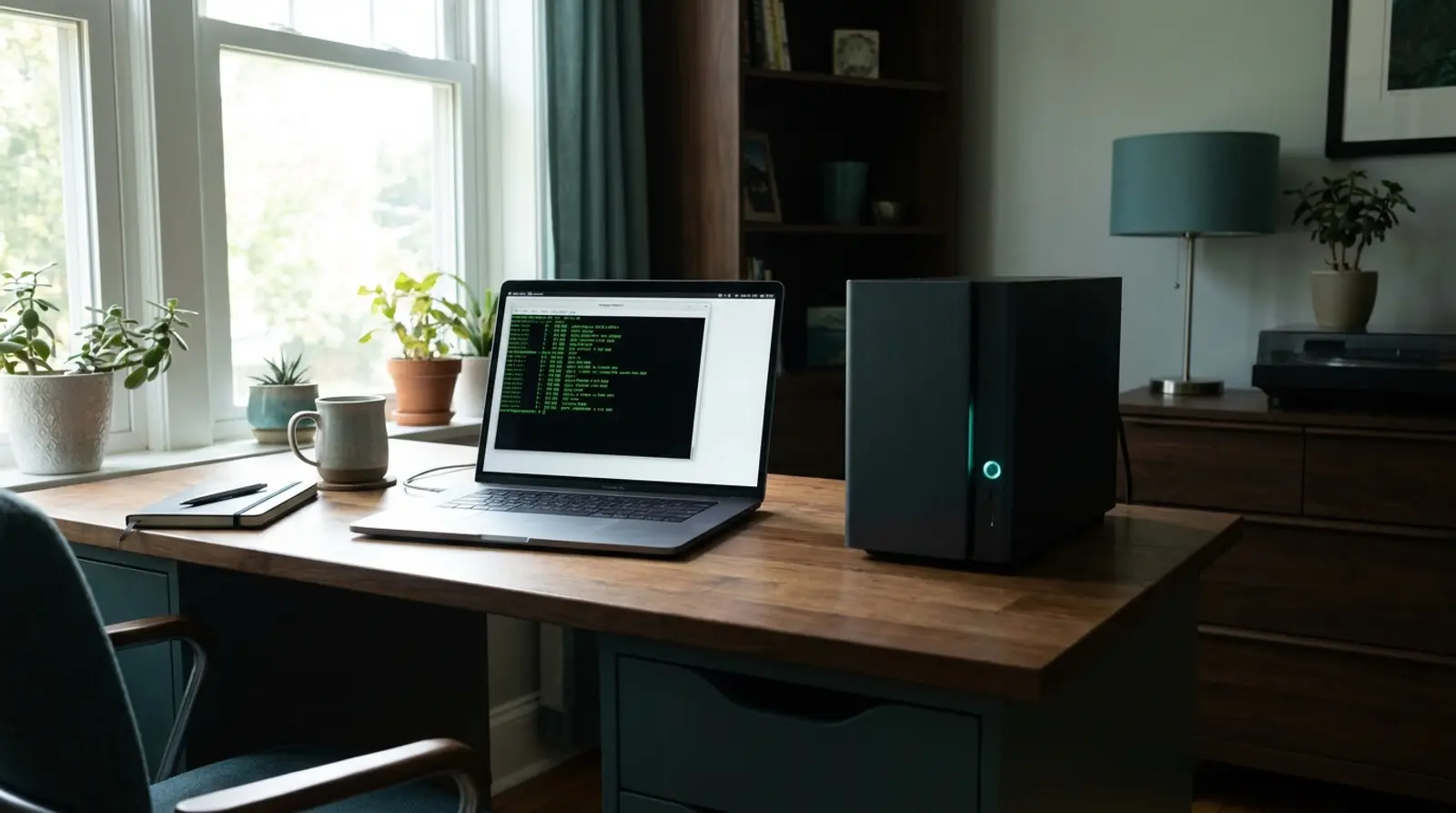
Ollama is a tool for running large language models on your own hardware. One command downloads a model, another starts talking to it, and there is an HTTP API so your own applications can use it. No API key, no per-token billing, and nothing you send leaves your machine.
Installing it is genuinely easy. The part people underestimate is capacity: whether the server you have can run a model that is actually useful. This guide is mostly about that question, because it is the one that decides whether self-hosting makes sense for you — and the honest answer involves a real trade-off, not just a spec sheet.
What Ollama Is
Ollama packages the awkward parts of running a language model — obtaining the weights, loading them, managing memory, exposing an interface — behind a handful of simple commands. "ollama run llama3" downloads the model if needed and drops you into a conversation.
It also runs a local HTTP server, which is the part that matters for building things. Your application talks to a local endpoint in much the same shape as a commercial API, so switching an existing integration from a paid service to a self-hosted model is often a change of base URL rather than a rewrite.
It supports the common open-weight families — Llama, Mistral, Gemma, Qwen, Phi and others — in a range of sizes, and handles the quantised versions that make running them on ordinary hardware possible at all.
Why People Want to Run Their Own
- Data never leaves the machine. For legal documents, medical records, customer data or anything under a confidentiality obligation, this is often the whole reason and no amount of cost saving would change the decision.
- Fixed cost instead of per-token billing. Heavy, repetitive workloads — classifying thousands of records, summarising every incoming message — become predictable rather than proportional to volume.
- No rate limits. Your throughput is bounded by your hardware, not by someone else's quota.
- It works offline, and it keeps working when a provider changes pricing, deprecates a model, or has an outage.
- Experimentation is free. Trying twenty prompt variations costs nothing but time, which changes how willing you are to iterate.
- Model stability. A commercial model can change under you without notice; a downloaded one behaves the same way next year.
The Truth About CPU vs GPU
This is where expectations need setting honestly. Ollama runs on CPU perfectly well in the sense that it works — but "works" and "feels good" are different things.
| Aspect | On CPU (an ordinary VPS) | On GPU (specialised hardware) |
|---|---|---|
| Speed | Roughly 2-10 tokens per second on a small model | Often 30-100+ tokens per second |
| Feels like | Reading a slow typist | Roughly conversational |
| Interactive chat | Usable but you wait | Comfortable |
| Background jobs | Perfectly fine — nobody is watching | Faster, often unnecessary |
| Cost | A normal VPS | Several times more per month |
| Model size ceiling | Bounded by RAM | Bounded by VRAM, which is usually scarcer |
RAM Is the Real Bottleneck
People shop for CPU cores. The number that actually decides whether a model runs at all is RAM, because the entire model has to be held in memory while it works. Not enough memory does not mean slow — it means it will not start.
| Model size | Approximate size at 4-bit | RAM the machine should have | Plusweb plan |
|---|---|---|---|
| 1-3 billion | ~1-2 GB | 4 GB | VPS-02 (4 GB) |
| 7-8 billion | ~4-5 GB | 8 GB | VPS-03 (8 GB) |
| 13-14 billion | ~8-9 GB | 16 GB | VPS-06 (16 GB) |
| 30-34 billion | ~18-20 GB | 32 GB or more | Beyond standard plans |
| 70 billion | ~40 GB | 64 GB or more | Dedicated hardware |
When a GPU-Free VPS Is Worth It
Being specific about this saves people from an expensive disappointment in either direction.
| Type of work | On a VPS without a GPU | Why |
|---|---|---|
| Classifying or tagging records in bulk | Works well | Runs in the background; nobody waits for it |
| Summarising documents on a schedule | Works well | Latency is irrelevant overnight |
| Extracting structured data from text | Works well | Short outputs, small models are adequate |
| Internal tools for a handful of people | Acceptable | Occasional use, some waiting tolerated |
| Customer-facing chat | Not suitable | Visitors will not wait for slow token generation |
| Long-form content generation | Painful | Long outputs multiply the speed penalty |
| Anything with many simultaneous users | Not suitable | Requests queue and each one is already slow |
Installing It on a VPS, in Outline
- Start with a VPS whose RAM matches the model you intend to run, using the table above. This is the decision that determines whether anything else works.
- Install Ollama with the official install script. It is a single command on a standard Linux distribution.
- Pull a small model first — a 3-billion-parameter one — and measure the actual speed on your own hardware before committing to something larger.
- Keep the API bound to localhost by default. Ollama has no authentication of its own, and exposing it directly to the internet means anyone who finds it can use your server.
- If you need remote access, put it behind a reverse proxy with authentication and HTTPS. This is not optional if the machine has a public IP.
- Watch memory during the first real workload. Swapping to disk turns "slow" into "unusable", and it is the most common cause of a setup that worked in testing and collapsed in use.
Security Worth Taking Seriously
Ollama ships without authentication. That is a reasonable default for something intended to run on your laptop, and a serious problem the moment it runs on a server with a public IP address.
An exposed Ollama endpoint is an open invitation: anyone who finds it can run inference on your hardware at your expense, and depending on your setup may be able to see what else is on the machine. Automated scanners find open ports within hours of them opening, not days.
The minimum safe configuration is to keep it listening on localhost and reach it through an SSH tunnel, or to place a reverse proxy in front of it that enforces authentication and TLS. Both are straightforward, and either is far less work than dealing with the consequences of skipping them.
Also give some thought to what you feed it. Self-hosting means the data stays on your server rather than going to a third party — but only if the server itself is secured, which is your responsibility now rather than a vendor's.
Want to run your own model without a per-token bill?
Cloud VPS up to 24 GB RAM, NVMe storage and full root access — from ฿150/month.
Frequently Asked Questions
Can I run Ollama on a VPS without a GPU?
Yes, and for background work it is a sensible setup. It will be several times slower than GPU hardware, which matters enormously for interactive chat and not at all for a job that runs overnight. Match the choice to the workload rather than to the benchmark.
Which model should I start with?
Something in the 3-billion-parameter range, quantised to 4-bit. It runs on 4 GB of RAM, responds quickly enough to evaluate, and tells you whether the quality is adequate for your task before you pay for a larger machine.
Is self-hosting actually cheaper than an API?
It depends entirely on volume. Occasional use is cheaper through a commercial API — you pay for what you use and nothing when idle. Heavy, continuous use flips it, because a fixed monthly server cost stops rising while per-token billing does not. The break-even point arrives sooner than most people expect for bulk processing tasks.
How good are open models compared with commercial ones?
For classification, extraction, summarisation and structured output, current open models in the 7-8 billion range are entirely adequate. For complex reasoning and long-form writing, the leading commercial models remain clearly ahead. Choose based on the specific task rather than on general impressions.
How much disk space do I need?
Each model is a few gigabytes and they accumulate quickly if you try several. Budget 20 to 50 GB for comfortable experimentation, and remember that a full disk causes failures that look like everything else.
Can I run Ollama and other services on the same VPS?
Yes, provided the RAM covers everything at once. The model reserves its memory while loaded, so add the model requirement to whatever else the machine runs rather than treating them as alternatives. This is where people most often undersize.
GUIDES
Related articles
Keep reading on similar topics
What Is n8n? Workflow Automation You Can Actually Own
n8n is an automation tool in the same family as Zapier and Make, with one difference that changes everything: you can run it on your own server. This guide covers what it does, the vocabulary you need, and the honest trade-off between the hosted version and self-hosting.
Read more
Run Bots and Automation Scripts 24/7 on a VPS
Got a Python/Node script, a Telegram bot, a web scraper, or an automation task you want running all the time? This guide explains why a VPS beats a home PC, how to use pm2 and cron to keep bots/scripts running continuously, and the spec you need.
Read more
What Is a VPS? What Can You Do With One, Explained Simply
A complete guide to VPS — what a VPS server is, how it works, how Cloud VPS differs from a regular VPS, what you can do with one, how it compares to shared hosting and dedicated servers, who should use one, and how to get started in 2026.
Read more