Once you decide to rent a Minecraft server instead of self-hosting on your PC, the next question everyone faces is "where should I rent one?" There are many Minecraft hosting providers, prices vary, and the specs can look confusing. Choose wrong and you may end up with a laggy server, high ping, or slow support that ruins the fun.
This article summarizes the key criteria to weigh before renting a Minecraft server — RAM specs, the data center location and its effect on ping, Java and Bedrock support, mod capability, instant activation, starting price, and support quality — plus a table to help you pick RAM by player count, so you choose Minecraft server hosting that's worth it and genuinely runs smoothly.
7 Key Criteria Before Renting a Minecraft Server
Choosing a good provider isn't just about the lowest price — it's about the whole picture and how well it fits your and your friends' play. Below are the 7 main criteria to use as a checklist before deciding.
- RAM specs — the single most important factor for smoothness; more players/heavier mods need more RAM
- Data center location — in or near Thailand means lower ping and smoother play for Thai/ASEAN players
- Java and Bedrock support — pick the one matching the version your friend group plays
- Mod/modpack support — if you plan to play modded, check that mods are supported
- Instant activation — pay and get your server right away, no waiting hours
- Price and flexibility — choose the number of player slots and adjust the plan as you grow
- Support and uptime — someone to help when the server has issues, and stable online uptime
Why a Thailand Location Matters for Ping
Many people overlook server location, even though it directly affects the play experience. Ping is the latency between the player's device and the server — the farther the server is geographically, the farther the data has to travel and the higher the ping, causing lag, missed hits on monsters, or teleporting.
If most players are in Thailand or ASEAN, choosing a server whose data center is in Thailand gives lower, steadier ping than renting one on another continent. That's why a Thailand-located server is the best choice for players in this region. Plusweb has a data center in Thailand, delivering low ping for Thai and ASEAN players directly.
How Many Players, and How Much RAM to Choose?
RAM is the heart of smoothness, so matching it to your player count and play style matters a lot. Too little and the server lags; too much and you overpay. The table below makes it easier to estimate.
| Player count | Play style | Recommended RAM |
|---|---|---|
| 2-4 players | Vanilla, chilling with friends | 2 GB |
| 5-10 players | Vanilla or light plugins | 3-4 GB |
| 10-20 players | Moderate plugins/mods | 6-8 GB |
| 20+ players | Heavy modpacks, large maps, lots of activity | 8-12 GB and up |
Java, Bedrock, and Mods — Match It to Your Play
Before renting, know which version your friend group plays, because the server must support that version. Java Edition is mainly played on PC and has the largest selection of mods/plugins. Bedrock Edition plays across devices — mobile, console, and Windows — ideal for groups on a variety of devices.
If you plan on modded play, choosing a provider that lets you install mods/modpacks through the control panel is more convenient than editing files by hand. Plusweb supports both Java and Bedrock, allows mods/modpacks, and includes auto-update, making server management easy for both vanilla and modded play.
- Friends mainly on PC + want lots of mods → choose a Java server
- Friends mixing mobile/console → choose a Bedrock server
- Not sure yet → choose a provider that supports both versions for more flexibility
- Modded play → check that mods/modpacks are supported with auto-update
Starting Price and Value
Price is something everyone cares about, but don't look only at the lowest number — look at what that price gets you: RAM specs, location, mod support, and support. A cheap but laggy or high-ping server isn't worth playing on.
Plusweb Minecraft Hosting starts at ฿150/month, which includes Java and Bedrock support, mods/modpacks, instant activation, a choice of player slots, and a data center in Thailand for low ping — a worthwhile starting point for a friend group wanting a stable private server.
Summary: The Best Minecraft Server Hosting
Putting all the criteria together, a provider well suited to players in this region should have a data center in Thailand for low ping, support both Java and Bedrock, allow mods, activate instantly, have an accessible starting price, and let you scale specs as your friend group grows.
Plusweb ticks all these boxes with Minecraft Hosting from ฿150/month, supporting Java and Bedrock, allowing mods/modpacks with auto-update, instant activation, a choice of player slots, and a data center in Thailand delivering low ping with 99.9% uptime — making it a recommended choice for anyone looking for reliable Minecraft server hosting.
- From ฿150/month, worth it from the very first plan
- Supports both Java and Bedrock, allows mods/modpacks
- Instant activation, choose the number of player slots
- Data center in Thailand, low ping, 99.9% uptime
- Auto-update, easy server management via control panel
Rent a Minecraft server in Thailand, low ping, from ฿150/month with Plusweb
Supports both Java and Bedrock · install mods/modpacks · instant activation · choose player slots · data center in Thailand, 99.9% uptime
Frequently Asked Questions
What is the best Minecraft server hosting for players in Thailand?
For players in Thailand, choose a provider with a data center in Thailand for low ping, support for both Java and Bedrock, mod support, instant activation, and good support. Plusweb meets these criteria with Minecraft Hosting from ฿150/month, a data center in Thailand, low ping, and 99.9% uptime.
How much does renting a Minecraft server cost to start?
Plusweb Minecraft Hosting starts at ฿150/month, which includes Java and Bedrock support, mods/modpacks, instant activation, and a choice of player slots. The price scales with the RAM specs and player count you need.
How is a Thailand-located Minecraft server different from an overseas one?
The main difference is ping. A server located in Thailand gives lower latency for Thai and ASEAN players because data travels a shorter distance, making play smoother with less lag and teleporting — ideal for friend groups in this region.
Can I install mods after renting a Minecraft server?
Yes, if you choose a provider that supports mods. Plusweb supports installing mods/modpacks through the control panel with auto-update, making modded play convenient. It's wise to allow enough RAM since modpacks use more resources than a vanilla server.
How long until I can play after renting a Minecraft server?
Not long. With a provider that has instant activation like Plusweb, once you pay the system sets up the server immediately. You enter the control panel to configure it and copy the IP to send to friends, and you can be playing within minutes.
GUIDES
Related articles
Keep reading on similar topics
How to Make a Minecraft Server to Play with Friends (Full Guide)
Want to run a Minecraft server with friends but don't know where to start? This article covers 2 options — self-hosting on your PC vs. renting a server — with pros and cons, step-by-step setup, a RAM-by-player-count table, and how to install mods.
Read more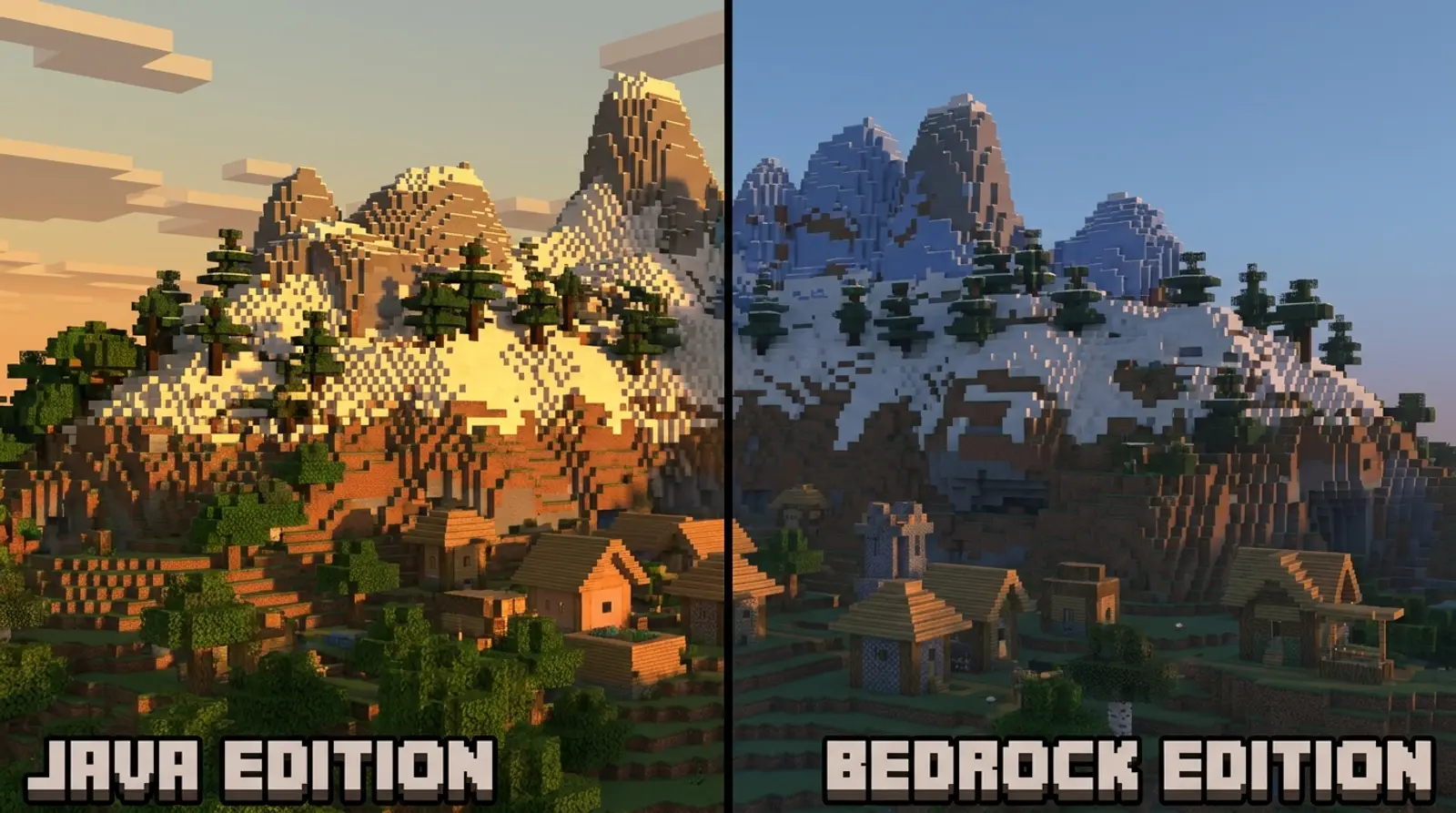
Minecraft Java vs Bedrock: Which Version Should You Run a Server On?
A complete rundown of the differences between Minecraft Java and Bedrock — where they differ, a clear comparison table covering platforms, mods/add-ons, crossplay, and performance, plus advice on which version to run a server on based on your friend group.
Read more
What Is Game Server Hosting, and Why Rent Instead of Self-Host?
Want to run a game server with friends but don't know what game server hosting is? This article explains it all — comparing self-hosting on your PC vs. a VPS vs. dedicated game hosting — plus popular games we support and what to check before renting.
Read more