
What Is Game Server Hosting, and Why Rent Instead of Self-Host?
Survival and world-building online games like Minecraft, Palworld, Rust, and ARK keep growing in popularity, and what makes them even more fun is having a "private server" dedicated to playing with friends. But many people, when they start, run into the term game server hosting and wonder what it is and how it differs from self-hosting.
This article explains what game server hosting is, why people prefer renting over self-hosting on their own PC, and clearly compares 3 options — self-hosting on your PC, renting a VPS, and using dedicated game hosting. It then covers which games people commonly run private servers for, what to check before renting, and which type of service suits whom.
What Is Game Server Hosting?
Game server hosting is a service that rents out servers specifically for running online games, instead of you having to run a server on your home computer. The provider sets up a server that runs 24/7 in a data center, complete with a management system that makes configuring and maintaining your game server easy.
Put simply, instead of leaving your own PC on for friends to join, you rent a machine designed specifically to run games — one that's always on, with backup internet and power, and usually a control panel to configure the game, install mods, or restart the server yourself, without needing deep server knowledge.
Why Rent Instead of Self-Hosting on Your PC
Many people start by self-hosting on their own PC because they think it's cheaper, but in practice they hit several problems that hurt the experience — for both themselves and the friends who join. That's why renting a server has become the preferred choice for serious players.
- No need to leave your PC on — a rented server runs 24/7, so friends can join even when your machine is off
- More stable — a data center has backup power and internet, so it won't crash from a power cut or a home net drop
- Lower ping — a Thailand location keeps Thai/ASEAN friends smooth and lag-free
- No fiddly network setup — no port forwarding to configure yourself
- Easy management via control panel — configure the game, install mods, and restart yourself
- Your PC isn't burdened — you can game at full performance because the server runs separately
Self-Hosting on Your PC vs. VPS vs. Dedicated Game Hosting
When running a game server, there are 3 main options, each differing in difficulty and suitability. The table below helps you see which to choose based on your needs and comfort level.
| Topic | Self-hosting on your PC | VPS | Dedicated game hosting |
|---|---|---|---|
| Setup difficulty | Fiddly, must open ports yourself | Must install and configure the game server yourself | Easiest, configure via control panel |
| Knowledge required | Moderate-high | High (manage the server yourself) | Low, usable right away |
| 24/7 uptime | Must leave the PC on | Yes | Yes |
| Install mods/modpacks | Possible, but configure it yourself | Possible, but configure it yourself | Easy via control panel (some games) |
| Game updates | Do it yourself | Do it yourself | Auto-update |
| Flexibility | Limited by your PC | High, can do other things too | Game-focused customization |
| Best for | Short casual play, small groups | Technical users who want full control | Anyone wanting an easy game server, no hassle |
Popular Games People Run Private Servers For
Many survival, world-building, and co-op games are designed to be the most fun when played on a private server with a group of friends. Below are the popular games people commonly run private servers for, which the Plusweb Game Hosting Hub supports.
- Minecraft — one of the top world-building games, supporting both Java and Bedrock
- Palworld — the survival-plus-creature-catching game that's been a recent hit
- Rust — a brutal PvP survival game, popular for group servers
- ARK — survival in a dinosaur world, a blast with friends
- V Rising — survival with a vampire theme
- Satisfactory — co-op automated factory building
- Terraria — classic 2D adventure and world exploration
- Project Zomboid — realistic zombie survival
- Enshrouded — survival adventure in a fantasy world
- "Don't Starve Together" — survival with a distinctive art style, played as a team
- Hytale and Windrose — additional games supported in the Hub
What to Check Before Renting a Game Server
Before deciding to rent a game server, there are key factors to weigh so you get a server that runs smoothly and is worth it — not just the lowest price.
- Location/ping — choose a server with a data center in Thailand for low ping for Thai/ASEAN players
- RAM/slots — pick specs and player counts to fit your group; more players/heavier mods need more resources
- Auto-update — the server updates game versions automatically, so you don't have to
- Mod support — if you plan on modded play, check that mods are supported (some games)
- Price and flexibility — adjust specs or switch games as needed
- Instant activation and support — pay and get your server right away, with help when there's a problem
Who It's For and How to Start
Game server hosting suits anyone who wants a private server to play with friends without dealing with server configuration — from small friend groups wanting to play co-op to large communities wanting to run a server for members to play together.
If you want to start running a game server, just choose a supported game in the Game Hosting Hub, pick your specs and location, and the system sets up the server. From there you manage everything via the control panel — configuring the game, choosing the location, installing mods (some games), and using auto-update to keep the server current.
- Friend groups wanting to play co-op survival together
- Communities/streamers wanting to run a server for members to join
- People who don't want to leave their PC on or configure a network themselves
- People who want to play multiple games and switch within one provider
Run a game server easily with the Plusweb Game Hosting Hub
Supports many games · choose a Thailand location for low ping · auto-update · mod support (some games) · manage via control panel · 99.9% uptime
Frequently Asked Questions
What is game server hosting?
Game server hosting is a service that rents out servers specifically for running online games. The provider sets up a 24/7 server in a data center with a control panel to configure and maintain your game server easily, so friends can join anytime without you leaving your own PC on.
How is renting a game server different from renting a VPS?
A VPS is a general virtual server where you must install and configure the game server yourself, suiting technical users who want full control. Dedicated game hosting is built specifically to run games, with a control panel for configuring the game, installing mods, and auto-update — making it much easier to run a game server without deep server knowledge.
Can I run a game server on my own PC? Why rent?
You can self-host on a PC, but you must leave it on the whole time friends want to join, set up port forwarding yourself, and risk the server crashing from a power cut or net drop. Renting a server solves these issues — it's 24/7, more stable, lower ping, and easy to manage via a control panel.
What games does the Plusweb Game Hosting Hub support?
It supports many games, such as Minecraft, Palworld, Rust, ARK, V Rising, Satisfactory, Terraria, Project Zomboid, Enshrouded, "Don't Starve Together," Hytale, and Windrose. You can choose the location, use auto-update, and install mods (some games), all managed via the control panel.
What should I check when renting a game server?
Check location/ping (choose Thailand for low ping), RAM specs and player slots to fit your group, auto-update, mod support (some games), price and flexibility, plus instant activation and support. The Plusweb Game Hosting Hub covers these factors with a data center in Thailand.
GUIDES
Related articles
Keep reading on similar topics
How to Make a Minecraft Server to Play with Friends (Full Guide)
Want to run a Minecraft server with friends but don't know where to start? This article covers 2 options — self-hosting on your PC vs. renting a server — with pros and cons, step-by-step setup, a RAM-by-player-count table, and how to install mods.
Read more
Best Minecraft Server Hosting: The Complete Selection Guide
Want to rent a Minecraft server but don't know which to choose? This article covers the key criteria for choosing Minecraft server hosting — RAM specs, location and ping, Java+Bedrock support, mods, instant activation, price, and support — plus a RAM selection table.
Read more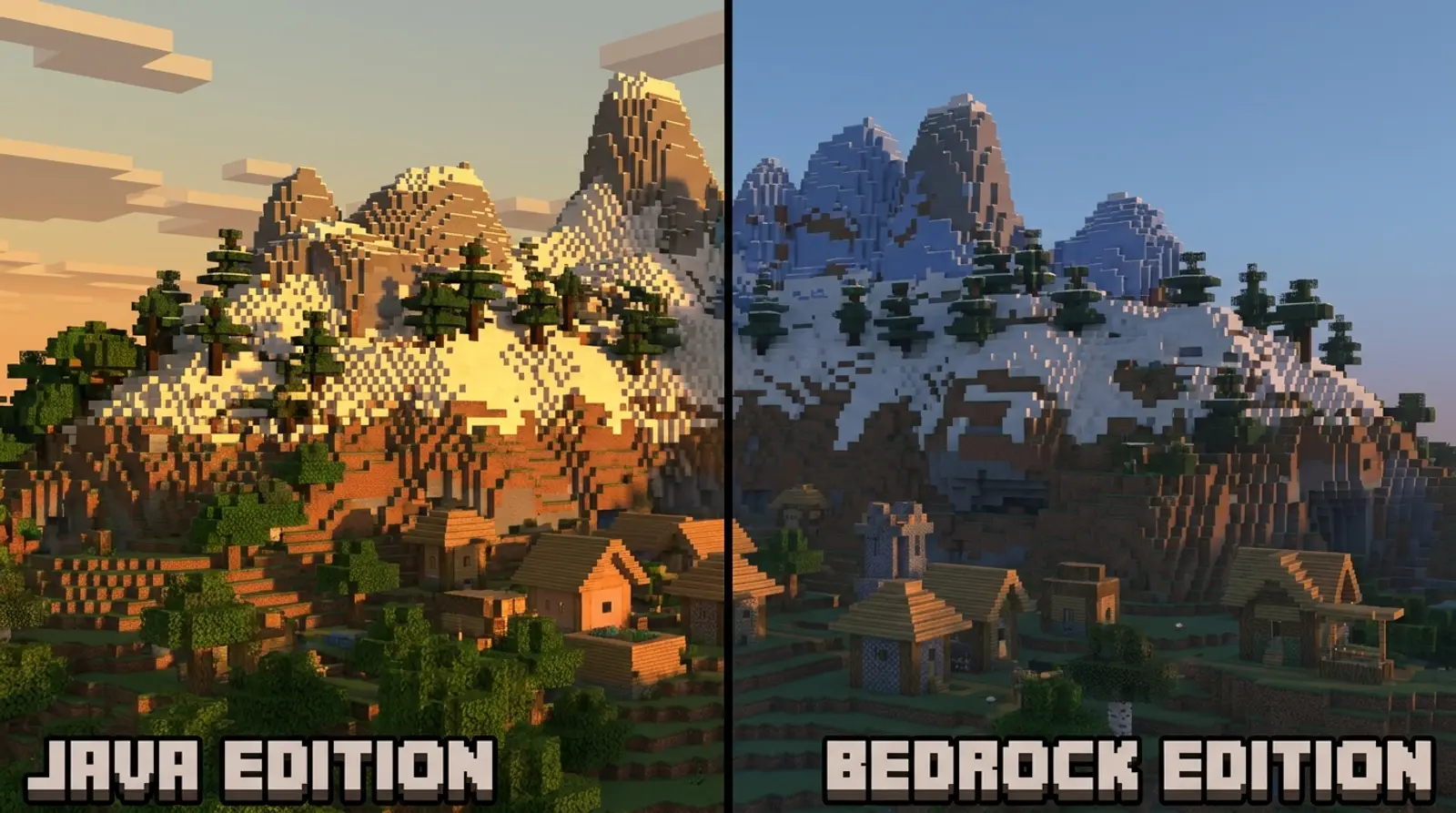
Minecraft Java vs Bedrock: Which Version Should You Run a Server On?
A complete rundown of the differences between Minecraft Java and Bedrock — where they differ, a clear comparison table covering platforms, mods/add-ons, crossplay, and performance, plus advice on which version to run a server on based on your friend group.
Read more