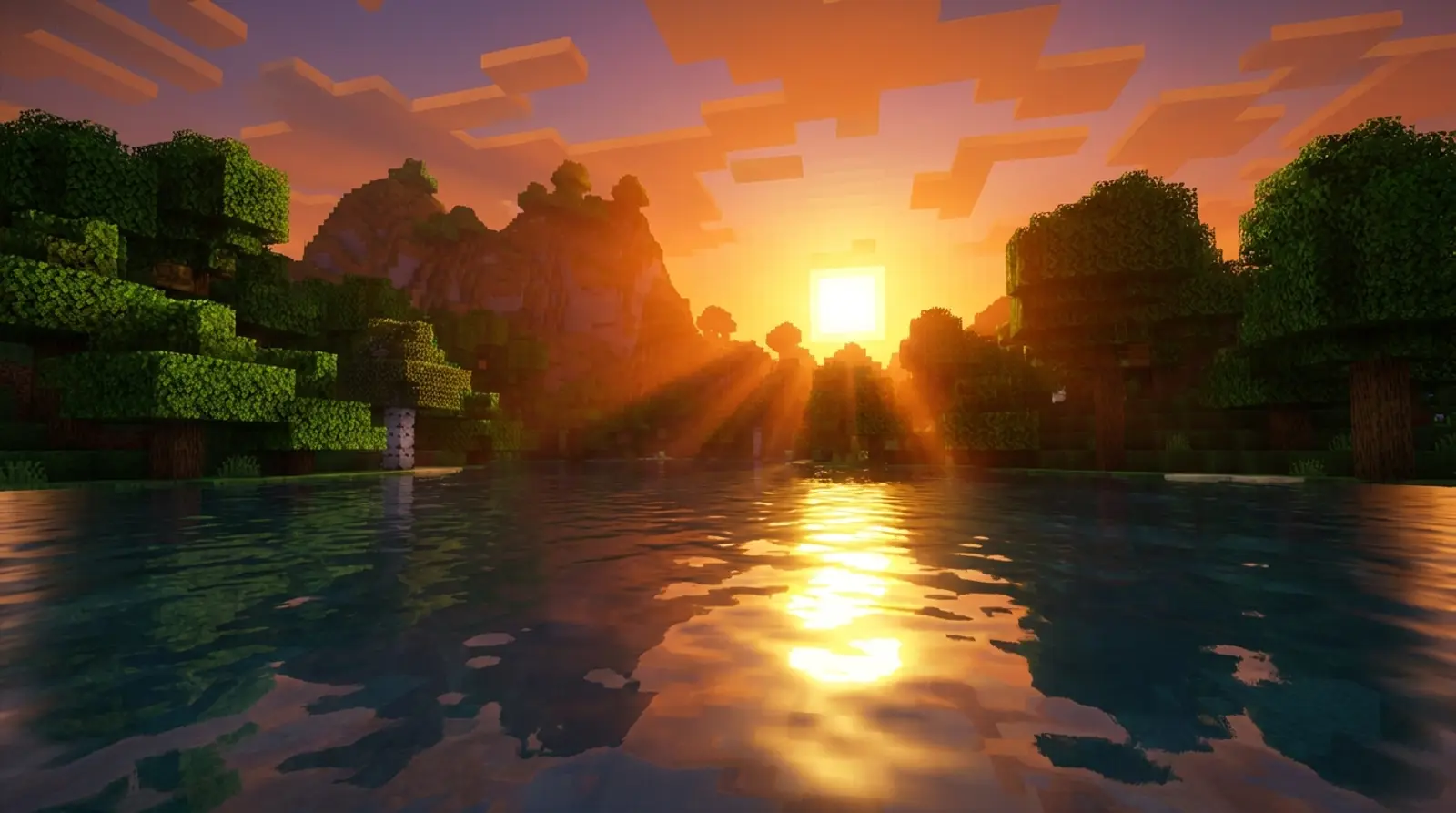
Vanilla Minecraft looks fairly plain, but did you know that installing a single shader can transform the entire world? Sunlight that casts shadows, water that reflects the view, skies that fade through gorgeous colors — shaders make Minecraft look far more realistic and photogenic.
This article rounds up the best Minecraft shaders people love in 2026, explaining what makes each one stand out, who it suits, and how demanding it is. It also walks you through installing them on both Java Edition (via Optifine or Iris) and Bedrock Edition, in plain terms.
Before you install a shader, know that it puts a real load on your GPU. So we include guidance on specs and settings to keep gameplay smooth — the aim is both beauty and an acceptable frame rate, not something so pretty it stutters and becomes unplayable.
What Is a Minecraft Shader, and How Is It Different From a Texture Pack?
A shader is a set of code that changes how light and shadow are rendered in the game, creating effects like realistic sunlight, shadows cast by objects, reflective water, fog, and color gradients across the sky. Put simply, it handles the "lighting" to make everything look more lifelike.
That is different from a Texture Pack (Resource Pack), which changes the "look of blocks" — making stone or wood appear sharper or in a different style. A shader focuses on lighting and overall atmosphere, which is why many people use both together to get visuals that are complete in both surfaces and light.
The key thing to understand is that shaders use far more GPU resources than texture packs, because they have to compute lighting and shadows in real time. The prettier and more realistic the shader, the stronger the specs it demands.
The Best Popular Shaders of 2026
There are tons of shaders to choose from, from ultra-realistic ones to lightweight options that run on mid-range machines. Here are the ones people love and worth trying in 2026.
| Shader | Highlights | Demand on specs |
|---|---|---|
| BSL Shaders | Pretty, balanced, easy to tweak — great for beginners | Medium |
| Complementary (Reimagined/Unbound) | Crisp image, vivid realistic colors, fine control | Medium–High |
| SEUS (Sonic Ether) | High-end realistic lighting, cinematic atmosphere | High |
| Bliss Shaders | Bright, vivid tones, beautiful water and skies | Medium–High |
| Sildur's Vibrant | Multiple versions from light to heavy, very flexible | Low–High (your choice) |
The Specs You Need to Run Shaders
Shaders lean mainly on the GPU — the prettier the shader and the higher the settings, the stronger the GPU you need. Here is a rough guide to gauge how ready your machine is.
- The GPU is the heart of it — light shaders run fine on a mid-range card, but heavy shaders need a stronger GPU for a good frame rate
- RAM should be at least 8GB, and allocate enough RAM to Minecraft, especially when pairing a high-resolution texture pack
- Set Render Distance sensibly — viewing too far uses even more resources with shaders on
- Choose a shader version/preset that fits your machine; many shaders offer Low/Medium/High modes
- Turn off heavy, unnecessary effects like long-range shadows or high-end reflections if your frame rate drops
How to Install Shaders on Minecraft Java (Optifine or Iris)
On Java Edition there are two popular ways to install shaders: use Optifine, or use Iris (paired with Sodium, which helps performance). The overall steps are similar.
- 1Install a shader loader first — download and install Optifine matching your Minecraft version, or use Iris + Sodium via a mod loader (Fabric)
- 2Launch Minecraft with the Optifine/Iris profile and enter the game once so the system creates the folders
- 3Download the shader file (.zip) you want, such as BSL or Complementary, from a trusted source
- 4Place the shader .zip file in the shaderpacks folder (accessible from Options > Video Settings > Shaders > Shaders Folder)
- 5Go back to the Shaders menu in-game and select the shader you just added — the system loads and displays it immediately
- 6Adjust the shader settings as you like; if your frame rate drops, lower the preset or disable heavy effects
How to Install Shaders on Minecraft Bedrock
On Bedrock Edition, installing shaders is a little different from Java, because Bedrock does not support Optifine-style shaders directly. Instead it uses a Resource Pack system with embedded shader/RTX-style effects.
The usual method is to download a file in .mcpack format and open it with the Minecraft app; the system imports it into your library. Then go to Settings > Global Resources, or enable it in the world you want, and slide the installed pack over to the Active side.
Note that on Bedrock some effects may require you to enable supporting features, and the result may not match heavy Java shaders — but it still clearly improves the visuals. Always download from trusted sources for safety.
Want Friends to See the Beautiful World Too? You Need a Stable Server
Shaders run on each player's own machine, meaning everyone who wants the pretty visuals has to install shaders locally. But what makes playing together smooth is a stable, low-ping "server" — because if the server lags, no amount of visual beauty makes it fun.
Once you install shaders, your visuals get heavier and your machine works harder anyway, so you especially want a server that does not add latency on top. Playing on a server with a Thai datacenter for low ping, running 24/7, helps your group explore beautiful worlds together without interruptions.
Want to play with friends without interruptions
Install shaders for a beautiful world, then play together smoothly with no lag — Plusweb Minecraft Hosting runs 24/7, supports Java + Bedrock, sits in a Thai datacenter for low ping, 99.9% uptime, from ฿150/mo, ready instantly.
Frequently Asked Questions
Which Minecraft shader looks best in 2026?
It depends on the style you like and your specs. Overall, BSL suits beginners because it is pretty and balanced, Complementary gives crisp vivid images, SEUS focuses on high-end realism but is demanding, and Sildur's Vibrant offers versions from light to heavy.
My game stutters after installing a shader — what do I do?
Try lowering the shader preset to Low/Medium, reduce Render Distance, disable heavy effects like long-range shadows or reflections, and allocate enough RAM. If it still struggles, pick a lighter shader or upgrade your GPU.
Can Minecraft Bedrock use shaders?
Yes, but differently from Java, since Bedrock does not support Optifine. It uses a Resource Pack system with embedded shaders instead — download a .mcpack file, open it with the Minecraft app to import, then enable it in Global Resources or the world you want.
What is the difference between Optifine and Iris?
Both let you install shaders on Java. Optifine is the classic option with many graphics tweaks, while Iris is often paired with Sodium for better performance and frame rates in many cases. Pick whichever you prefer.
Do I need to install shaders on the server to play with friends?
No. Shaders run on each player's own machine, so whoever wants the pretty visuals installs them locally. The server's job is to keep play smooth — a low-ping, always-on server helps you play together without interruptions.
GUIDES
Related articles
Keep reading on similar topics
Best Minecraft Mods 2026 With Installation Guide
Want Minecraft to be more fun with more to do? Here are the best mods to play in 2026, sorted by category — quality of life, animals/monsters, technology, and maps — plus how to install mods with Forge/Fabric and how to install mods on a server to play with friends.
Read more
How to Make a Minecraft Server to Play with Friends (Full Guide)
Want to run a Minecraft server with friends but don't know where to start? This article covers 2 options — self-hosting on your PC vs. renting a server — with pros and cons, step-by-step setup, a RAM-by-player-count table, and how to install mods.
Read more
Best Minecraft Server Hosting: The Complete Selection Guide
Want to rent a Minecraft server but don't know which to choose? This article covers the key criteria for choosing Minecraft server hosting — RAM specs, location and ping, Java+Bedrock support, mods, instant activation, price, and support — plus a RAM selection table.
Read more