What Is a Forex EA? How It Works, Is It Safe, and How to Run It Without Drops
Anyone starting to study Forex hears the term "EA" often — some say it can trade for you 24/7, others say it makes profit automatically. But what exactly is a Forex EA, is it really safe, and what should you watch out for?
This article explains it neutrally and straight: what a Forex EA (Expert Advisor) is, how it works on MT4/MT5, how many types there are, the pros and cons of automated trading, plus the red flags of dream-selling EAs and why a good EA needs to run on a stable server 24/7.
Note: this content is for educational purposes only and is not investment advice. Forex trading carries high risk and you can lose more than your deposit. EAs do not guarantee profit — please study and assess the risk yourself before deciding.
What is a Forex EA? (What is an Expert Advisor)
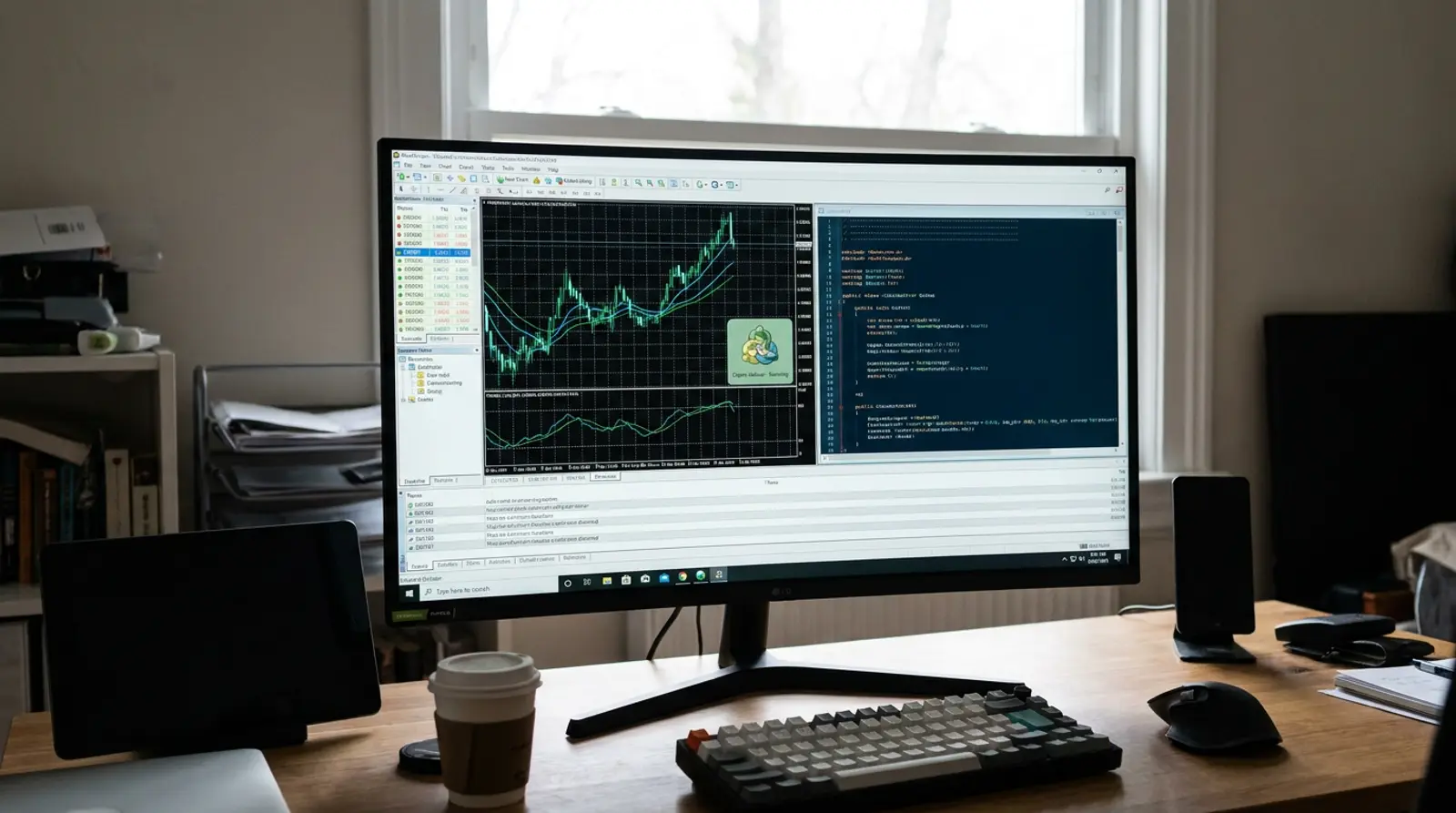
A Forex EA stands for Expert Advisor — a program or set of instructions (an algorithm) added into the MetaTrader 4 (MT4) or MetaTrader 5 (MT5) trading platform to "trade automatically" on your behalf, following conditions you set in advance: for example, opening an order when price reaches a set point, setting stop loss / take profit, or closing an order when a condition is met.
Put simply, an EA is "a trading system written as code." A developer converts a trading strategy (say, entering on a moving average or on an indicator signal) into a program that runs by itself around the clock, without you watching the screen.
The key thing to understand from the start: an EA only follows the rules it was written with. It isn't "smart" and can't predict the future. If the underlying strategy is poor, or market conditions change from when it was designed, the EA can lose money too.
How a Forex EA works on MT4/MT5
An EA only works when MT4 or MT5 is open, connected to the internet, and AutoTrading mode is on. The EA continuously reads incoming prices in real time, then processes the conditions in its code to decide whether to open/close an order.
- 1Install the EA file (.ex4 for MT4 or .ex5 for MT5) into the Experts folder
- 2Drag the EA onto the chart of the pair you want to trade, then set its parameters (e.g. lot size, SL/TP levels)
- 3Turn on the AutoTrading button in the toolbar — the EA starts watching the market and acting on its conditions
- 4Each time a new price arrives (a tick), the EA recalculates whether the open/close conditions are met
- 5If you close MT4/MT5, shut down the computer, or the internet drops — the EA stops immediately
Common types of Forex EA (and the risk of each)
EAs come in many forms based on their underlying strategy, each with different strengths and risks. Below are the common types, with neutral cautions — none is "the best," and every one carries its own risk.
| EA type | How it works (roughly) | Risk to know |
|---|---|---|
| Trend Following | Enters orders in the direction of the market trend | In a sideways market (no trend) it may enter/exit off-beat often and accumulate losses |
| Scalping | Opens/closes orders rapidly, taking small profits from short moves | Sensitive to spread, latency, and commission; slow/dropped internet can easily skew results |
| Grid | Opens orders in layers at set price levels | If the market runs one way for a long stretch, stranded orders can accumulate losses and consume heavy margin |
| Martingale | Increases order size after a loss, hoping to recover | Very high risk; if the market keeps going against it, the account can be wiped out (margin call) |
Pros and cons of automated trading with an EA
Pros
Using an EA has several clear advantages, especially around discipline and time — but it comes with limits you must understand.
- Removes emotion from trading — an EA always follows the rules, without fear, greed, or blowing up over emotion
- Works 24/7, catching market moves a person might miss (e.g. overnight)
- Processes and sends orders faster than a human, reducing execution delay
- Can backtest against historical price data before using real money
- Can run multiple strategies / multiple pairs at once
The downsides and limits of an EA you must accept
On the other side, an EA has limits users often overlook. Understanding these downsides helps you set expectations correctly.
- An EA follows the rules it was written with and adapts poorly to news or unexpected events (e.g. major news)
- A strategy that worked in the past may fail when market conditions change (overfitting to old data)
- A pretty backtest doesn't mean live trading will match it (different spread/slippage/execution)
- It needs a server on at all times; if the EA drops mid-session, open orders may be stranded
- An EA does not guarantee profit and can lose money just like manual trading
Is a Forex EA safe? (a straight view)
The most common question is "is an EA safe?" The blunt answer: an EA is just a tool. Its safety depends on the underlying strategy, how you use it, and the EA's source — more than the program itself.
Be clear on this: no EA in the world guarantees 100% profit, because the Forex market is volatile and no one can predict the future. Any EA advertised as "profit every day," "never loses," or "guaranteed returns" is a sign of dream-selling you should be wary of.
The real risk has two sides — first, market risk (the EA can lose per its strategy), and second, the risk of being scammed (a fake EA, a dream-selling system, or being lured into depositing with an untrustworthy broker).
Red flags: dream-selling EAs to watch out for
The EA market is full of good mixed with fake. Before buying or using any EA, check for these red flags — if you see any one of them, stay skeptical.
- Claims of "guaranteed profit" or "never loses" — no EA can truly do this
- Shows only pretty profit curves but hides the losing periods (drawdown) or the risk
- Pressures you to decide fast/transfer fast, citing a limited-time promotion
- Forces you to open an account with a specific broker (often earning commission when you lose)
- Won't disclose how it works, claiming it's "all a secret"
- Uses heavy Martingale/Grid strategies but advertises "low risk"
- Offers no demo trial or won't let you backtest and verify it yourself
- Reviews/praise look overhyped, with no verifiable long-term results
Why an EA must run 24/7 without drops → you need a Forex VPS
As explained, an EA only works when MT4/MT5 is open and connected to the internet at all times. The problem: run it on a home PC and a flickering power supply, an internet hiccup, or a Windows update restart stops the EA mid-run, causing you to miss entries and exits — or leave open orders stranded until they cause damage.
The Forex market is open nearly 24 hours a day, 5 days a week. A key move might happen at 3 a.m. while you're asleep. A good EA must run continuously without interruption — which is why nearly every EA trader uses a Forex VPS: a virtual server that stays on around the clock in a data center with backup power and internet.
Once you move your EA onto a VPS, you can shut down your home computer. The EA keeps running on the server 24/7, and you can remote in to view/edit it from your phone or any computer.
Best practices: how to run an EA without drops
Beyond having a stable VPS, there are practices that reduce the chance of an EA dropping or misbehaving. Follow this checklist to keep your trading system as continuous as possible.
- 1Run the EA on a Forex VPS with high uptime (99.9%+) instead of a home PC
- 2Choose a server with low latency to your broker to reduce slippage
- 3Set Windows not to auto-restart for updates while trading
- 4Test the EA on a demo account for at least several weeks before using real money
- 5Confirm AutoTrading is on and the EA shows a "running" status (smiley) on the chart
- 6Set the lot size and per-order risk to suit your account size
- 7Regularly check the EA's status and trading results — don't leave it unattended
- 8Back up the EA file and settings in case you need to reinstall
Run your EA 24/7 without drops on a Plusweb Forex VPS
Forex VPS built for MT4/MT5 · Windows Server · low latency · 99.9% uptime · from ฿250/mo, auto-provisioned in minutes to keep your EA running without interruption
Frequently Asked Questions
What is a Forex EA, in simple terms?
An EA (Expert Advisor) is an automated trading program installed on MT4/MT5 that opens and closes orders on your behalf, following conditions you set in advance. It's a trading aid, not a system that guarantees profit.
Can a Forex EA really guarantee profit?
No. No EA in the world can guarantee profit, because the Forex market is volatile and high-risk. An EA advertised as "profit every day" or "never loses" is a sign of dream-selling to avoid.
How should a beginner start using an EA safely?
Start by understanding the EA's underlying strategy, backtest it, then run it on a demo account in real market conditions for several weeks before considering real money in small amounts — and accept the risk that you could lose.
Why must an EA run on a VPS instead of a home PC?
You can run it on a home PC, but you risk the EA dropping from a power cut, dropped internet, or a Windows restart, causing missed trades. A Forex VPS is on 24/7 in a data center with backup power/internet, so it suits continuous EA operation better.
How do I spot a fake or scam EA?
Beware of EAs that claim guaranteed profit, show only pretty curves without the risk, pressure you to transfer fast, force you to open a specific broker account, won't disclose how they work, and offer no demo trial — these signs point to dream-selling.
GUIDES
Related articles
Keep reading on similar topics

What Is a Forex VPS? Why Every EA Trader Should Have One
Everything a trader needs to know about a Forex VPS — what it is, how it differs from a regular VPS, whether it can really run an EA on MT4/MT5 24/7, plus how to choose one that is worth it and avoid getting burned.
Read more
How to Run an EA on a Forex VPS (MT4/MT5): Beginner Guide 2026
A step-by-step guide for beginners who want to run an EA on a VPS — what to prepare, how to remote into a Windows VPS via RDP, install MT4/MT5, add the EA file, enable AutoTrading, and confirm it runs 24/7, plus fixes for common problems.
Read more
Best Forex VPS 2026: How to Choose Right and Not Miss Out
Where should you get a Forex VPS? The 2026 buyer's guide — 8 decision criteria, a checklist table, traps to avoid (free/oversold/no SLA), and the Forex VPS with the best value for money.
Read more