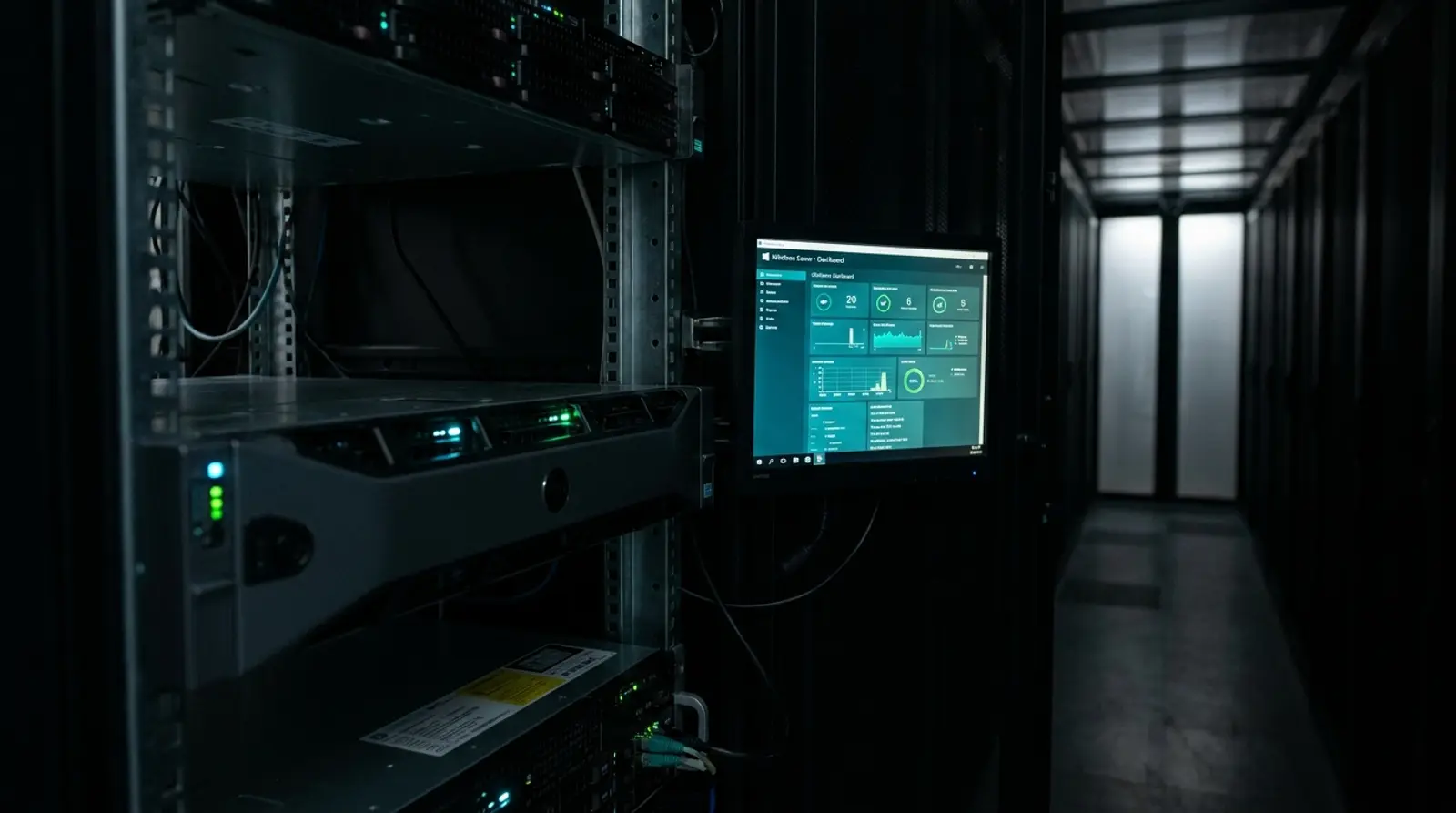
If you need to run Windows-side programs around the clock — such as MT4/MT5 for trading, a .NET app, or an enterprise system — Windows Server is something you will definitely come across. It is Microsoft's server operating system designed specifically for server workloads, but many people still wonder how it differs from the Windows they use on a regular PC, and how to start using it affordably.
This article explains Windows Server in plain English: what it is, which versions exist (2019/2022/2025) and how they differ, what it is used for, how it differs from regular Windows, licensing, and the easiest way to get started via a Windows VPS — which is easier than buying a machine yourself.
What Is Windows Server?
Windows Server is a Windows-family operating system that Microsoft designed specifically for use on servers. Unlike Windows 10/11, which is built for personal computers, Windows Server is tuned to run hard and continuously 24 hours a day, support many concurrent connected users, and ship with tools for managing systems, networks, and services at an enterprise level.
Its strengths are the stability and security engineered for server work, along with specialized features such as Active Directory (managing users in an organization), IIS (the Windows web server), Remote Desktop Services, and support for more powerful hardware such as large amounts of RAM and CPU — which regular Windows editions support to a more limited degree.
How Is Windows Server Different From Regular Windows?
Many people think Windows Server is just Windows 11 with a different name, but they actually differ quite a bit in both usage and capabilities. The main differences are summarized in the table below.
| Aspect | Regular Windows (10/11) | Windows Server |
|---|---|---|
| Designed for | Personal use / general work | Server work, running continuously 24/7 |
| Concurrent users | Single-user focused | Supports many concurrent users |
| Hardware | Limited RAM/CPU support | Supports very high RAM/CPU |
| Server features | None | Active Directory, IIS, Remote Desktop Services, etc. |
| Stability | Good for general work | Tuned for long-term stability |
| License | One-time purchase / bundled with the PC | Separate server license |
Windows Server Versions: 2019 vs 2022 vs 2026
Microsoft releases new Windows Server versions periodically, and the versions in widespread use today are 2019, 2022, and the latest, 2026. Each version builds on the last in security, performance, and new features.
| Version | Highlights | Best for |
|---|---|---|
| Windows Server 2019 | Stable, widely used, supports older and newer software | General workloads needing high compatibility |
| Windows Server 2022 | Raised security (Secured-core) and improved performance | Workloads that prioritize security and a modern release |
| Windows Server 2025 | Latest release, new features, top security and performance | Workloads needing the very newest technology |
What Can You Do With Windows Server?
Because it supports heavy, continuous workloads, Windows Server is used in many ways — especially for tasks that rely on Windows-side software. Here are the most popular uses.
- Run MT4/MT5 trading programs and EAs — keep trading bots running automatically 24/7 without leaving a home PC on
- Run .NET apps and enterprise software — programs built on the Microsoft platform run at full performance
- Remote work / Remote Desktop — access a Windows desktop from anywhere via RDP, as if sitting at the machine
- Host websites with IIS — run sites or web apps that need Windows-side technology such as ASP.NET
- SQL Server databases — deploy Microsoft's database system for enterprise apps
- Run specialized software that only works on Windows — accounting software, ERP systems, or tools with no Linux version
Windows Server Licensing and Why a VPS Is More Worthwhile
Windows Server is licensed software, unlike Linux which is free to use. If you want to buy a server and install Windows Server yourself, you have to pay for the hardware, the Windows Server license, and handle the data center, power, and internet all on your own — a large upfront cost and a hassle for everyday users.
The more economical and easier path is to "rent a Windows VPS," where the provider includes the Windows license in the plan. You pay monthly based on the specs you use, with no big upfront investment, no hardware to maintain, and a ready-to-use machine right away — ideal for traders, developers, and small to mid-sized businesses.
How to Get Started With Windows Server via a Windows VPS
Getting started with Windows Server via a VPS is much easier than you might think, especially with services that deploy automatically — you get a ready-to-use machine in minutes. Here is the overall process.
- 1Choose specs and version — pick CPU/RAM/SSD to fit your workload and the Windows Server version you want
- 2Order and pay — the system creates the Windows VPS and emails you the machine details (IP, username, password)
- 3Connect via Remote Desktop (RDP) — open Remote Desktop on your computer, enter the IP and password, and reach the Windows desktop
- 4Do initial setup — change the password, update the system, and set basic security
- 5Install the programs you need — such as MT4/MT5, EAs, .NET apps, or your own software
- 6Let it run 24/7 — you can turn off your home PC while the Windows VPS keeps your programs running
Windows Server vs Linux Server: Which Should You Choose?
If you are still torn between Windows Server and Linux Server, decide based mainly on "the programs you will run," because both act as servers but suit different workloads.
- Choose Windows Server — if you need to run MT4/MT5, EAs, .NET programs, SQL Server, or software that only works on Windows, and want a desktop interface (GUI)
- Choose Linux Server — if you are building general websites, APIs, open-source databases, or bots, or any workload that does not rely on Windows software, since it saves on licensing and uses fewer resources
Get Started With Windows Server Easily via a Plusweb Windows VPS
Windows VPS · run MT4/MT5/EA and Windows programs · Administrator Access · KVM · SSD · from ฿150/mo · automatic deployment
Frequently Asked Questions
How is Windows Server different from Windows 11?
Windows 11 is designed for personal use on a computer, while Windows Server is designed specifically for server work — running hard and continuously 24 hours a day, supporting many concurrent connected users, supporting higher RAM/CPU, and shipping with enterprise-grade tools such as Active Directory, IIS, and Remote Desktop Services.
How is Windows Server 2025 different from 2022?
Windows Server 2025 is the latest release that builds on 2022, raising security and performance and adding new features. For general users and traders, both versions run MT4/MT5 and Windows programs equally well — the main differences lie in enterprise features and how modern the system is.
Do I need to buy a server to use Windows Server?
Not necessarily. The most economical and easiest way is to rent a Windows VPS, where the provider includes the Windows license in the plan. You pay monthly based on specs, with no need to buy hardware or manage a data center, and get a ready-to-use machine right away. Plusweb's Windows VPS starts at ฿150/mo.
Can a Windows VPS run MT4/MT5 and EAs?
Yes, and it is one of the most popular uses, because a Windows VPS stays on 24 hours a day so EAs and trading programs keep running even when you turn off your home PC. You connect via Remote Desktop (RDP) to install and control the programs as if sitting at the real machine.
How do you connect to Windows Server?
You connect via Remote Desktop Protocol (RDP) by opening the Remote Desktop program on your computer (available on Windows, Mac, and mobile), entering the IP, username, and password you received, and you reach the server's Windows desktop — usable just like a normal computer right away.
GUIDES
Related articles
Keep reading on similar topics
What Is Remote Desktop / RDP? How to Connect to a Windows VPS
What RDP is, how it works, and a step-by-step guide to connecting to a Windows VPS with Remote Desktop on Windows, Mac, and mobile — including common problems with fixes and security tips.
Read more
Windows VPS vs Linux VPS: What Is the Difference and Which to Choose in 2026
A complete rundown of every difference between a Windows VPS and a Linux VPS — license cost, GUI vs command line, which software runs (MT4/MT5/.NET vs web/apps), remote access via RDP vs SSH, and how to choose the right fit for your work.
Read more
What Is a VPS? What Can You Do With One, Explained Simply
A complete guide to VPS — what a VPS server is, how it works, how Cloud VPS differs from a regular VPS, what you can do with one, how it compares to shared hosting and dedicated servers, who should use one, and how to get started in 2026.
Read more